
|
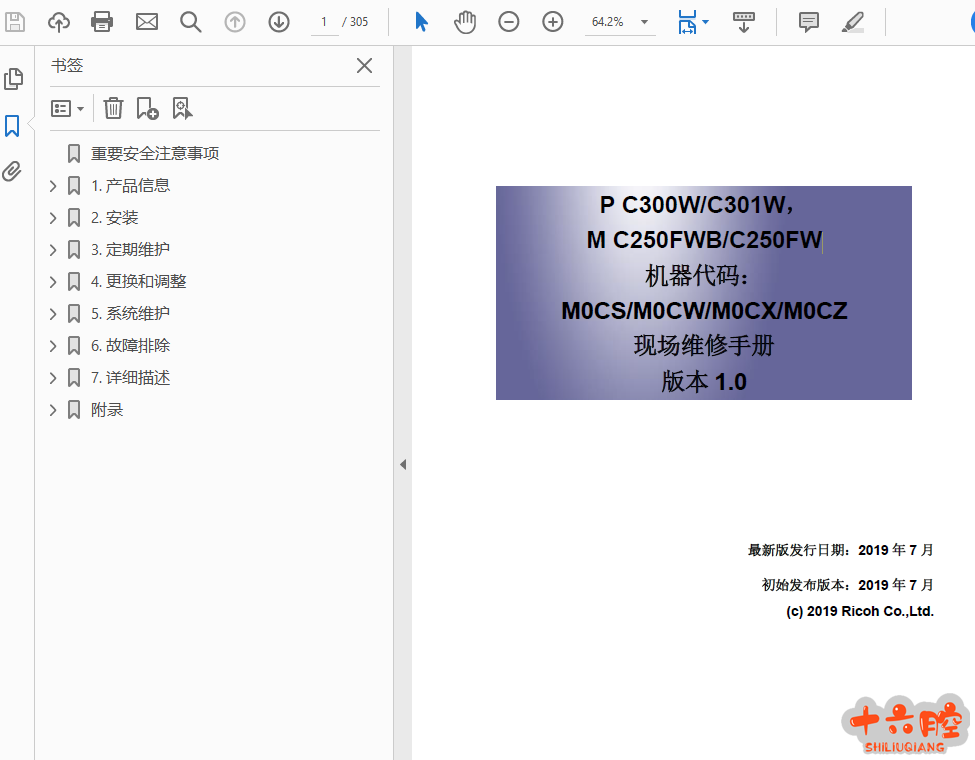
Ricoh P C300W, C301W, M C250FWB, C250FW Chinese Maintenance Manual
After replacing the laser unit, it is necessary to input the LD parameters and adjust the color alignment. 1. Open the front cover. 2. Turn on the machine. 3. Ensure that the machine is in the "READY" state. 4. Enter SP mode. 5. Select [Initialize LSU Data]. Printer model: Engine maintenance>Initialize LSU data MF model: Engine maintenance settings>Initialize LSU data 6. Close the front cover plate. 7. Perform [color calibration]. Printer model: Engine maintenance>Color calibration MF model: Engine maintenance settings>Color calibration 8. Enter SP mode. 9. If necessary, adjust the alignment settings of each paper tray and the alignment settings of the front and back of the paper in SP mode. Link: https://pan.baidu.com/s/1DCEXcgMfjHI3wfnVHAzQSQ Extraction code: jqar |
Address of this article:https://073868.com/post/3899.html
Copyright Notice:
For relevant infringements, reports, complaints and suggestions, please send E-mail:weixiuwang68@qq.com







