
|
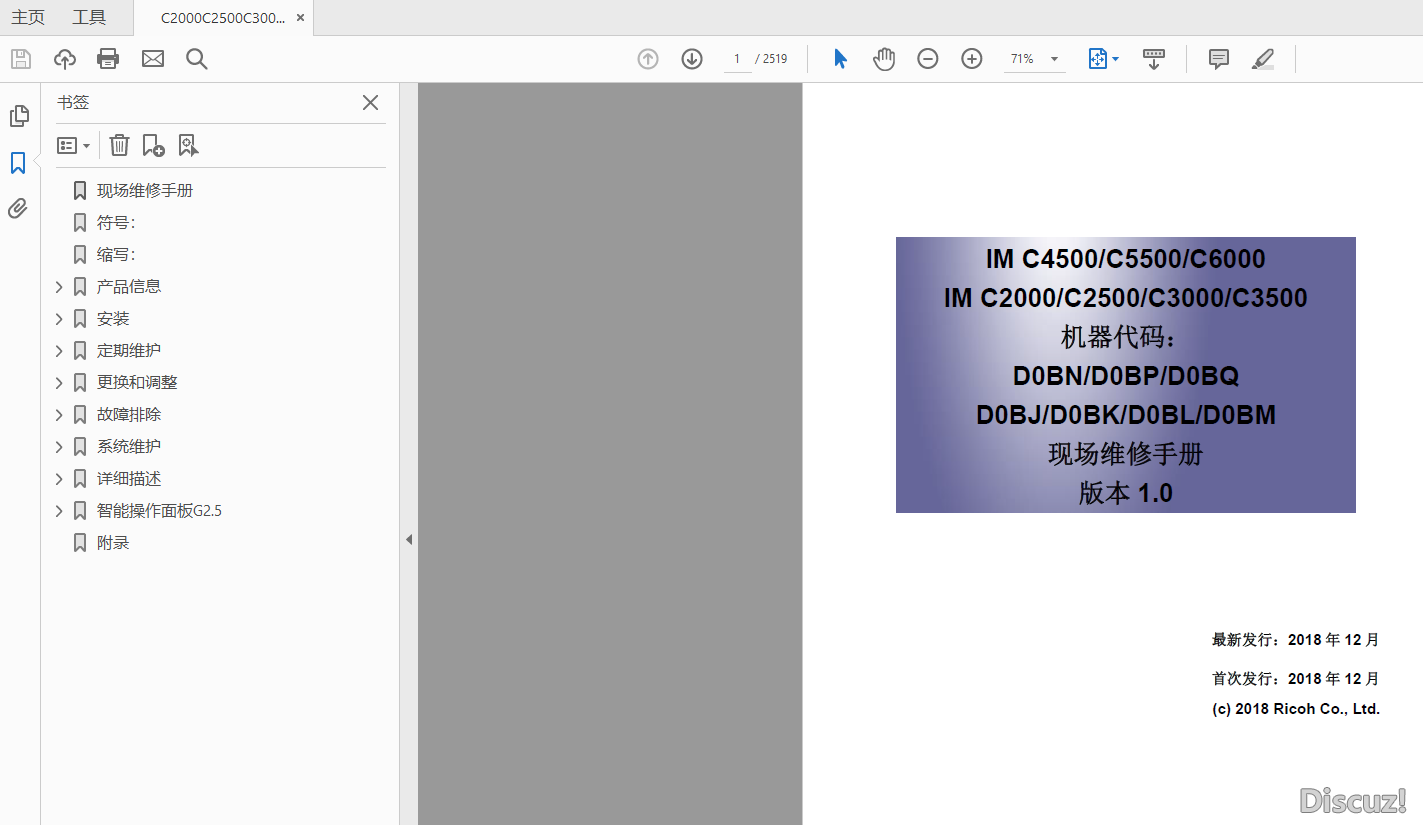
Ricoh imC2000,C2500,C3000,C3500,C4500,C5500,C6000 color copier Chinese repair manual
Copy the test pattern and check the output quality. paper alignment If necessary, adjust the alignment of the paper tray. SP1-002-002 (horizontal alignment tray 1) SP1-002-003 (horizontal alignment tray 2) SP Description -SP1-002 (horizontal alignment) The lateral alignment is adjusted by changing various modes and the laser main scanning start position of each tray. Increase value: The image moves toward the back end of the paper. Decrease value: The image moves toward the front of the paper. Automatic Remote Firmware Update Settings Specify ARFU settings as needed. Working conditions: Use the machine in an environment that can be connected to the Internet. Automatic Remote Firmware Update (ARFU) requires connection to an external network. It is important to obtain customer approval before setting up an ARFU. The connection is one-way, so the user's data will not be accessible from the global server. Pre-Run Setup and Checks 1. Check the network settings (IP address, subnet mask, gateway, and DNS). 2. Check the proxy settings. 3. In the environment where ARFU is to be performed, confirm that the main power of the machine is always on and the machine is always connected to the Internet. This condition is required to download the firmware package in the background and to update the firmware by the ARFU when the machine is first turned on during machine installation. 4. Check the time (day of the week and time) when the execution of ARFU is prohibited. If access to external servers is restricted, ask your network administrator (customer) to allow the following FQDN names to communicate. Link: https://pan.baidu.com/s/1EUx7ov7v2N0dqRLQaud-OQ提取码:qzfm |
Address of this article:https://073868.com/post/3863.html
Copyright Notice:
For relevant infringements, reports, complaints and suggestions, please send E-mail:weixiuwang68@qq.com







