
|
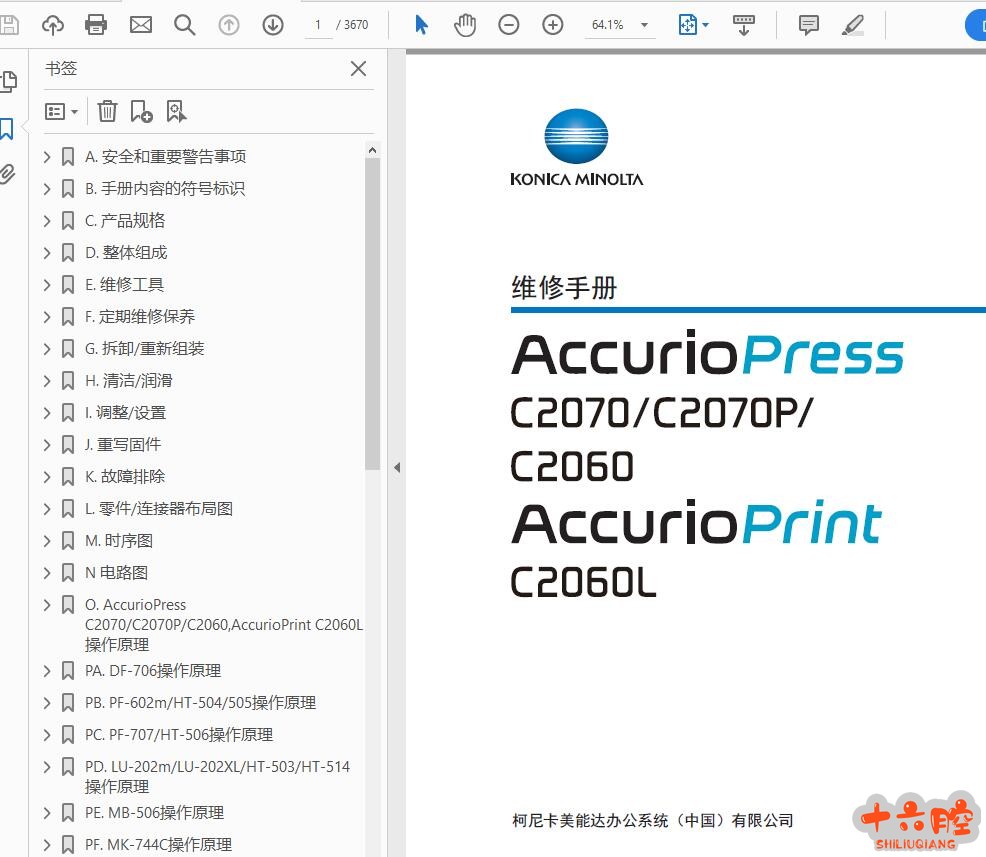
Konica Minolta C2070 C2060 C2070P C2060L copier Chinese repair manual
1.1.1 U disk ISW Connect the USB flash drive directly to the maintenance port of the host. Then, use the program stored in the USB flash drive to rewrite the firmware. For USB flash drive ISW, depending on the startup method, you can use the following methods. Perform USB ISW (power on) in service mode Use when installing the firmware correctly and upgrading the firmware version. USB stick ISW (power off) in service mode Used when writing new firmware. (When replacing a board or failing to rewrite firmware) Used when a fault code occurs. (Refer to J.1.5.3 Operation when a firmware exception occurs) 1.1.2 Internet ISW Use the host NIC and connect the host to the network environment. Then, use the FTP or HTTP protocol to rewrite the firmware through the program server on the Internet. For Internet ISW, you can use the following methods. Execute Internet ISW using Web Utilities Use your PC's web browser to access your host's web Utilities and then rewrite the firmware. However, this situation requires the PC and the host to be connected to the network. Using the operator panel to perform Internet ISW Use the operator panel to rewrite the firmware. Perform Internet ISW using CS Remote Care Link: https://pan.baidu.com/s/1pGZPFnjG0ISC7PejiUltow Extraction code: bf5d |
Address of this article:https://073868.com/post/3827.html
Copyright Notice:
For relevant infringements, reports, complaints and suggestions, please send E-mail:weixiuwang68@qq.com







