
|
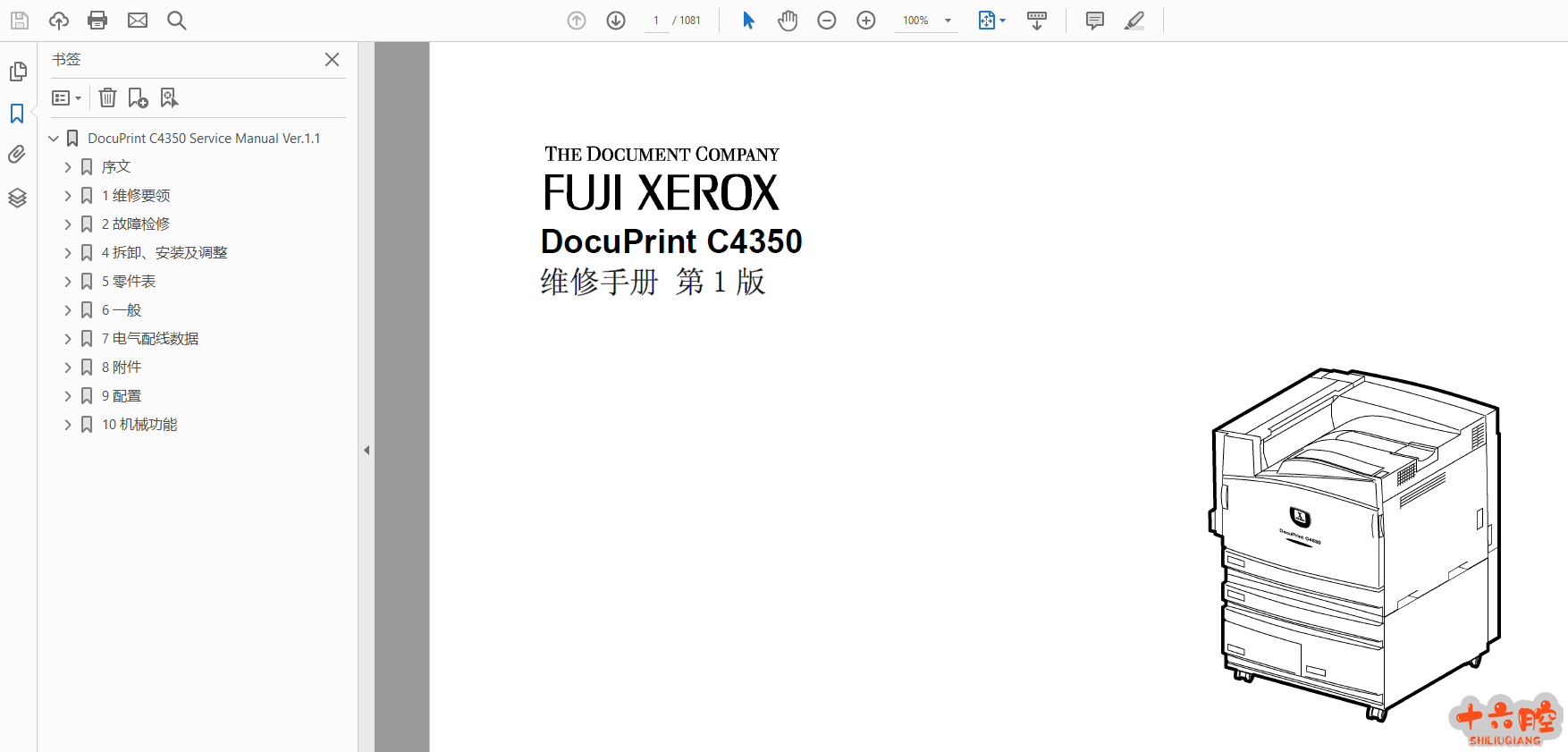
Fuji Xerox DP C4350 Chinese repair manual
Service Access Procedure Details 1.3.1 Initial work 1. Ask the operator about the condition of the machine. · Recent jam frequency and location · Picture quality of the copy 2. Record the copy code table. 3. Check the bad copy and understand the condition of the machine. 4. Check the copy sample and machine record sheet from the last visit. 1.3.2 Check fault reproducibility 1. Implement the first stage troubleshooting of "Chapter 2 Troubleshooting" and check the fault condition. 2. Implement the corresponding project of "Chapter 2 Troubleshooting" Phase 2 Troubleshooting. 3. If there is no corresponding item, refer to "Chapter 9 BSD" to carry out troubleshooting. 1.3.3 Check the image quality of the copy 1. Enter DC612 (print test draft), select test draft No2, and print ROS Halftone. Check the scars of each photosensitive drum, the scars of IBT and the scars of Heat Roll. Check the color balance, color deviation, density (color) spots, low-concentration reproducibility, etc. of the copy quality (Y, M, C, K). 1.3.4 TRIM Maintenance TRIM maintenance is performed at the time of the visit, and the main purpose of implementation is to maintain the performance of the machine. 1. Implement the necessary Trim items in accordance with the Trim Checklist. The items that must be implemented at the time of the visit are as follows. · Toner recovery bottle inspection 2. Check that parts (consumables, parts) need to be cleaned/replaced regularly through the regular cleaning/replacement parts list and report/list (HFSI counting device). Clean as necessary. If it has been replaced, be sure to clear the counter of the corresponding item in the DC135 HFSI screen. Link: https://pan.baidu.com/s/1JOhrKJUze-YUUVKEUYVIuQ Extraction code: 6wrl |
Address of this article:https://073868.com/post/377.html
Copyright Notice:
For relevant infringements, reports, complaints and suggestions, please send E-mail:weixiuwang68@qq.com







