
|
Symptoms The machine is optional SR5000. After installation and powering on, the feeder immediately displays paper jams for R4–R7. The paper jam signal at the front and rear of the switch separator has been cleared, and the machine is continuing to warm up. SC746 is displayed in the lower-left corner of the operation panel. Reason Front stacker motor error.
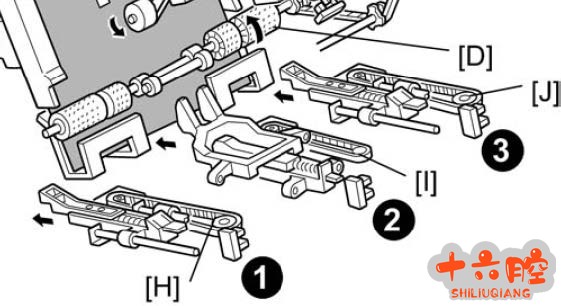
Solution Open the cover plate of the stacking mechanism, the spring is out, and the front stacking plate is misaligned. Pick up the dropped parts from the machine and put them back in their original position. Start the machine and run normally. The stacking board mechanism is the binding auxiliary mechanism of SR4050,SR5000 and SR5020. Poor stacking of plates can lead to problems such as uneven binding and skewed binding needles. However, the stacking plates and springs of the three mechanisms are easy to fall off during handling. Therefore, this mechanism needs to be checked after the pager is transported. |
Address of this article:https://073868.com/post/3239.html
Copyright Notice:
For relevant infringements, reports, complaints and suggestions, please send E-mail:weixiuwang68@qq.com






