
|
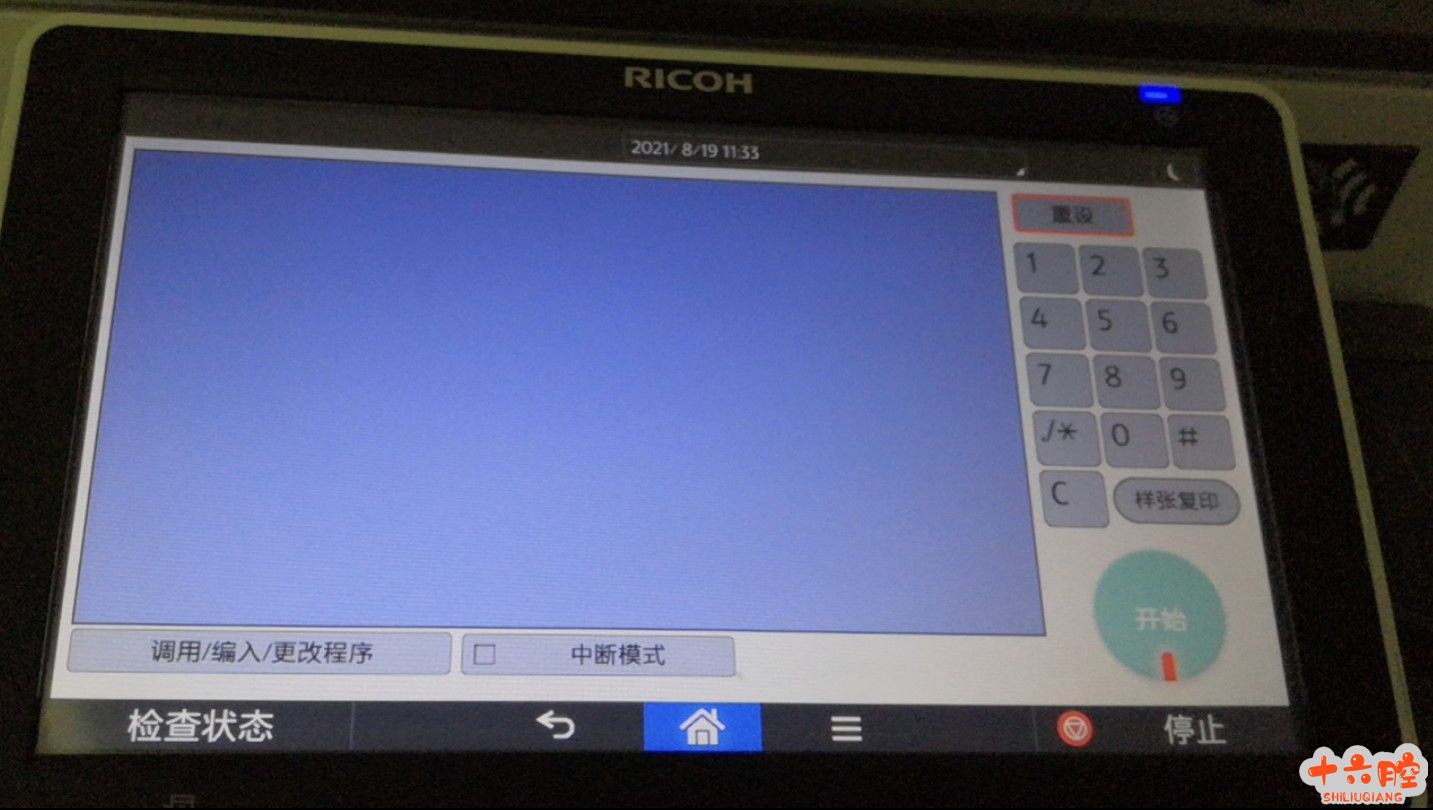
Symptoms IMC3500 startup error, discovered functional issues, “SC636-01”。 Cause analysis 1. Retrieve the SC636-01 code from the maintenance manual. 2. SP5-401-160; After setting "0" to SP5-401-161, restart the machine and the SC636-01 code is eliminated, but the display interface is abnormal.
3. Upgrade Java VM firmware to restore normal operation.Solution SP5-401-160; After setting SP5-401-161 to "0", upgrade the Java VM firmware. Note: Suggest using JavaVMv12 Update Tool firmware upgrade. |
Address of this article:https://073868.com/post/3127.html
Copyright Notice:
For relevant infringements, reports, complaints and suggestions, please send E-mail:weixiuwang68@qq.com
Tags: #Java #SC636-01 #C3500 #Ricoh Firmware #C2500






