
|
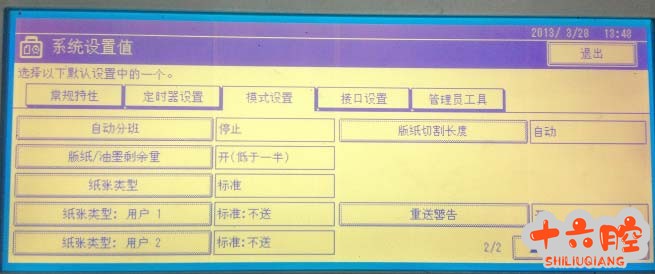
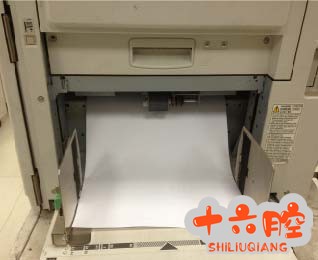
Symptoms The user will activate the function of preventing double paper feeding [re feeding warning]. During printing, the machine will frequently prompt "paper re feeding detected" and stop the paper feeding action. Check the paper on the feeding table, and there is no phenomenon of double or multiple sheets being fed at the same time.
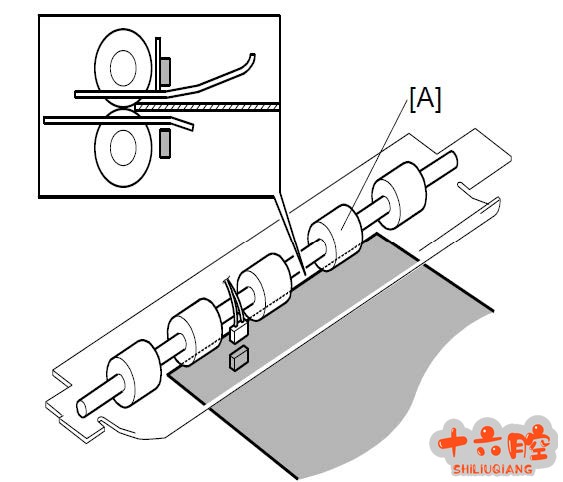
The sensitivity of the anti double paper feeding sensor has not been adjusted to the correct position.
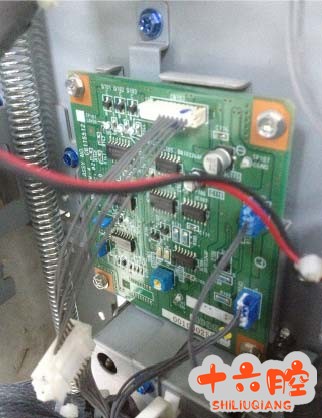
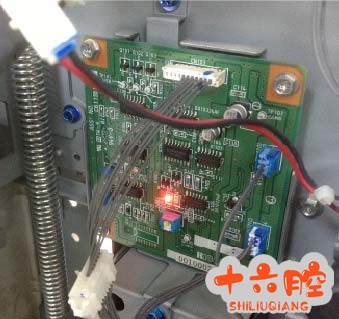
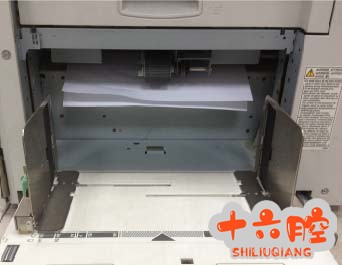
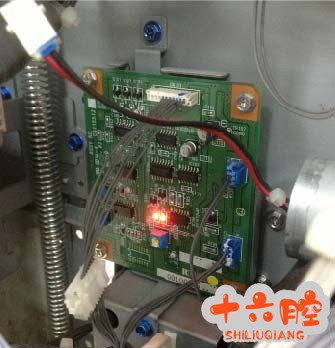
1. Open the rear cover of the machine, flip over the main control board to expose the anti double feed sensor adjustment circuit board, confirm that there is no paper under the alignment roller, and then turn on the power. At this time, LED101 and LED102 should not light up. If they light up at this time, the anti double feed sensor needs to be replaced.
4. Repeat step 2 to confirm that LED101 lights up and LED102 does not light up or flash when feeding a single sheet of paper. 5. Confirm the adjustment status for continuous paper supply printing. If the user changes paper of different colors and textures, the above adjustment steps must be repeated. |
Address of this article:https://073868.com/post/3122.html
Copyright Notice:
For relevant infringements, reports, complaints and suggestions, please send E-mail:weixiuwang68@qq.com
Tags: #HQ9000 #Double fed paper #At the alignment roller #Circuit board #Sensor







