
|
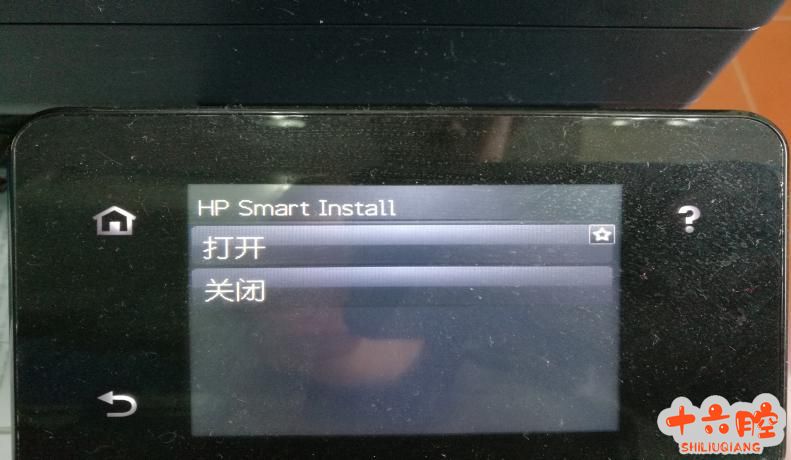
Fault Description: M570DW printer driver installation failed, exclamation mark prompt Resolution process: The user sent the printer for repair, but it was unable to print online and the computer could not detect it. The motherboard was replaced for testing. Printing can be recognized by the computer, but the printer driver cannot be successfully installed and there is always an exclamation mark in the manager Due to the replacement of the new board, it is suspected that the driver installation is incorrect Later, upon investigation, it was found that the machine was one of HP's early models: the machine settings included a smart printer installation function. When installing the driver, you need to enter the settings interface and try to turn on the function for testing.
Then I entered the settings interface and found the HP Smart Install interface. It turned out to be in a closed state and tried to turn on the test. When the function was turned on, an automatic installation program interface appeared on my computer interface. After running the program, the installation test was normal. Share summary: Through this maintenance, it was found that repairing a machine not only requires professional skills, but also familiarity with the machine's performance, in order to save troubleshooting time and solve problems quickly and efficiently. |
Address of this article:https://073868.com/post/2783.html
Copyright Notice:
For relevant infringements, reports, complaints and suggestions, please send E-mail:weixiuwang68@qq.com
Tags: #M570DW #M570 #Install the driver #Motherboard







