
|
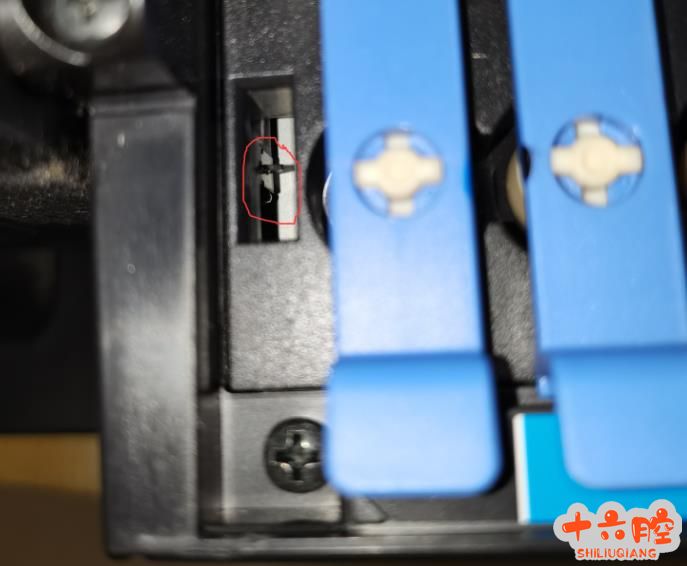
1. Trouble phenomenon: the display screen frequently prompts to replenish ink 2. Fault judgment: the ink chamber cover sensor is abnormal 3. Cause of failure: poor contact due to oxidation of ink chamber cover sensor 4. Maintenance method: replace the ink chamber cover sensor
5. Supplementary note: L6168 under normal circumstances, each time you open the ink chamber cover will prompt additional ink. |
Address of this article:https://073868.com/post/2711.html
Copyright Notice:
For relevant infringements, reports, complaints and suggestions, please send E-mail:weixiuwang68@qq.com
Tags: #L6168 #Replenish ink #Ink chamber cover sensor







