|
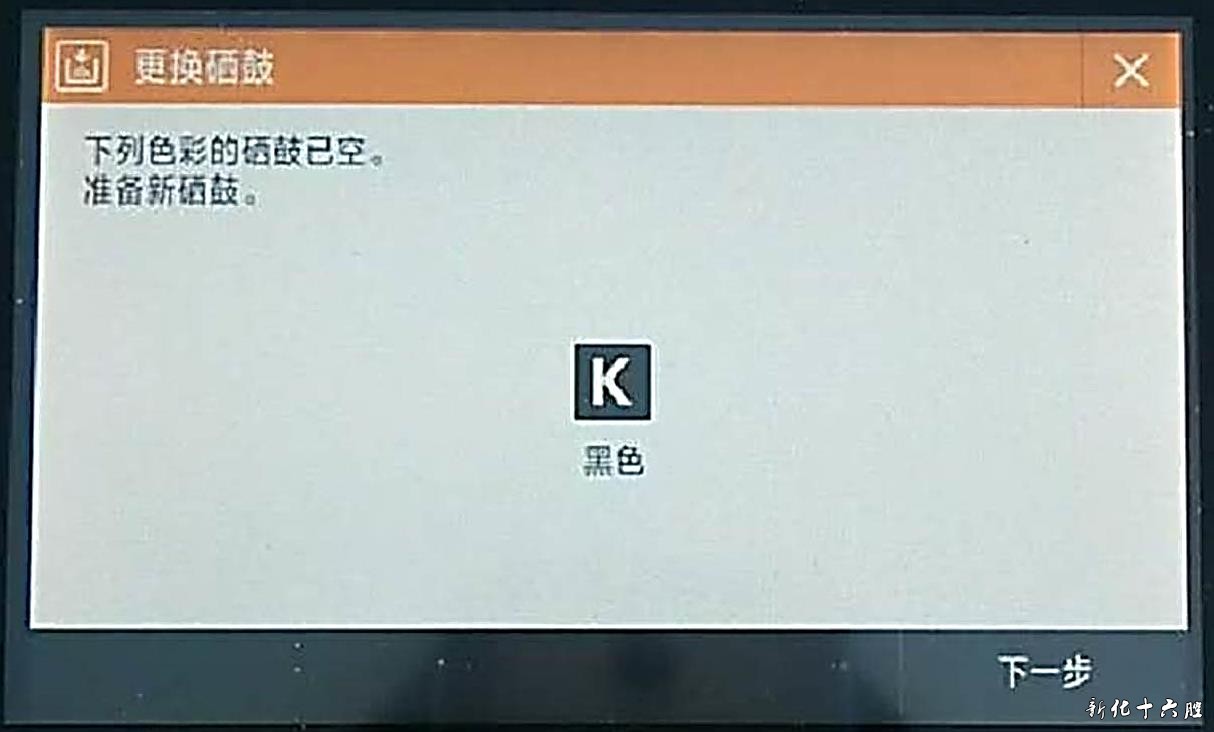
Product Model: imageRUNNER ADVANCE C3020 [Details] When the toner is exhausted, the prompt "Replace toner" originally appears, but the prompt at this time is "Replace toner cartridge", "The toner cartridge of the following color is empty, prepare a new toner cartridge".
[Cause of Failure] The system firmware version of the MFP needs to be updated. [Maintenance measures] Update the system firmware of the copter to the following version: Main Controller:Ver.02.23 Language:Ver.02.10 |
Canon C3020 user mode Chinese description of the text error occurs when the countermeasures
322
0