
|
Fault Description: After power on, the controller has been in the initialization state or fault code: C- D0E1
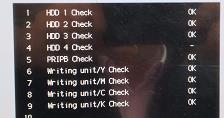
Cause of the failure: The OACB board is damaged and the SSD is damaged. Solution: 1. Perform I/O check 99-70 (check HDD, PRIPB, Writing unit.) 2. If HDD, PRIPB, Writing unit = OK, perform I/O check 99-99 (check SSD,OACB board, NVRAM) 2. If HDD = NG, perform I/O check 99-01 (check hard disk capacity) 99-02 (hard disk remaining capacity) 99-03 (hard disk bad sector check) 3. Format the hard disk = NG (refer to the service manual for hard disk formatting) 4. Replace the OACB board or SSD
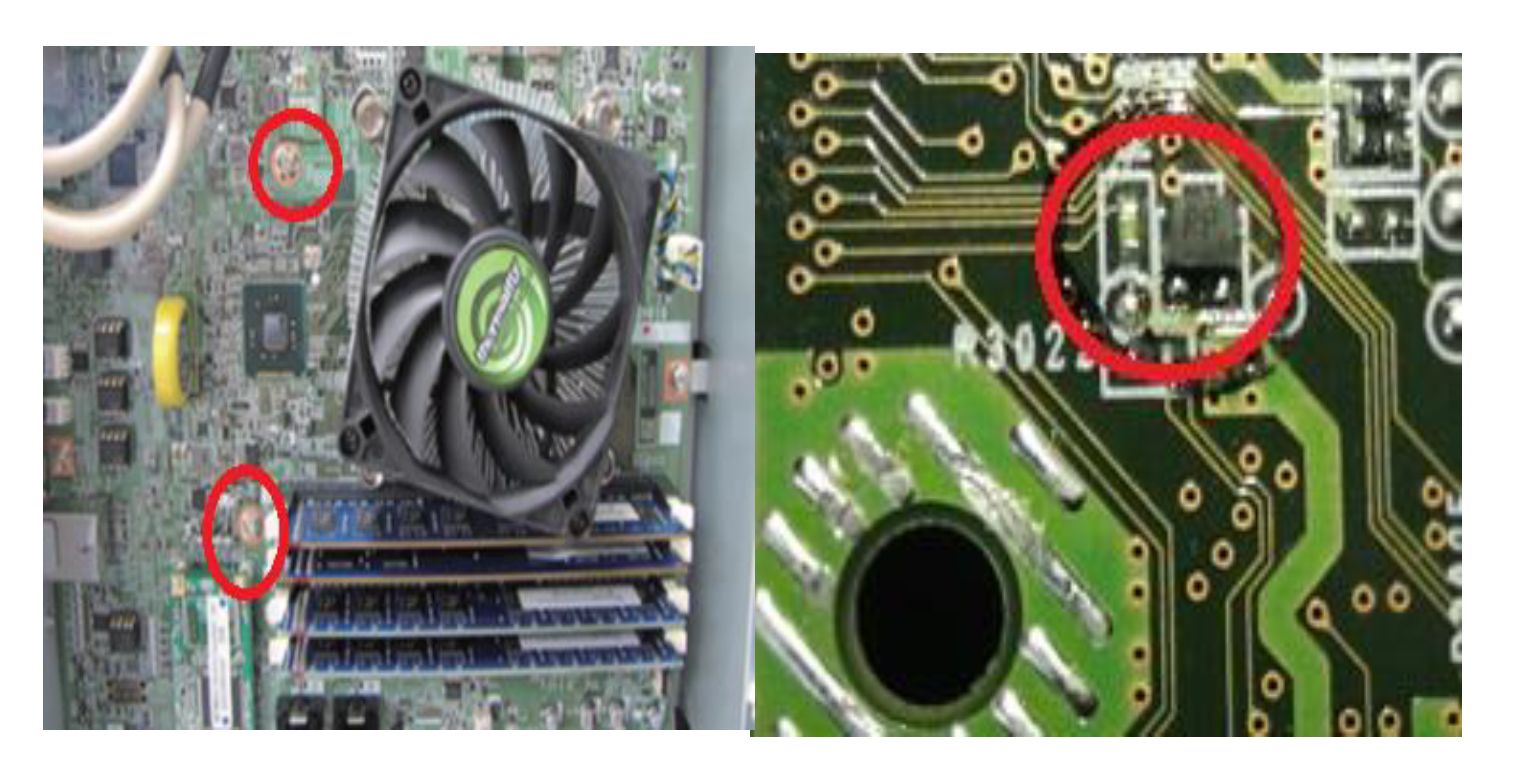
Note: 1. After replacing the OACB board, perform I/O check 99-98 (initialization of OACB board), 2. Precautions for disassembly and assembly of OACB board: When removing the OACB board, pay attention to the rear support column in the right figure. Hold the fan and lift the lower end of the board to a certain angle to prevent the column from touching the chip. |
Address of this article:https://073868.com/post/2532.html
Copyright Notice:
For relevant infringements, reports, complaints and suggestions, please send E-mail:weixiuwang68@qq.com







