
|
[Failure Phenomenon] When using the ID card copying or 2-in-1 copying function, black stripes were found on the copied copies.
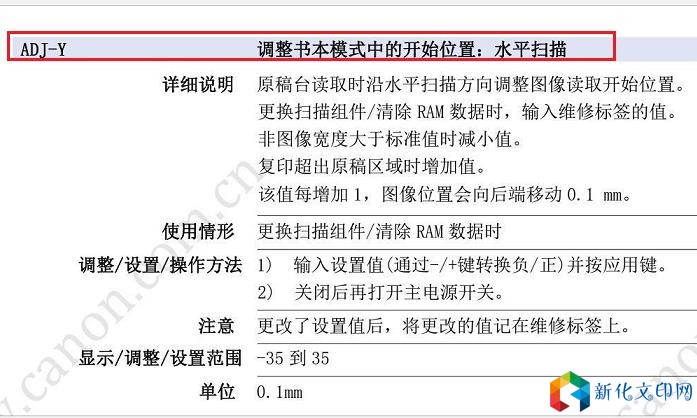
[Cause of Failure] The starting position of horizontal scanning in book mode is incorrect. [Maintenance measures] Adjust the option in maintenance mode regarding the starting position of horizontal scanning in book mode. Copier>Adujst>ADJ-Y
|


Address of this article:https://073868.com/post/2482.html
Copyright Notice:
For relevant infringements, reports, complaints and suggestions, please send E-mail:weixiuwang68@qq.com
Tags: #C3020 #2-in-1 #Black line







