
|
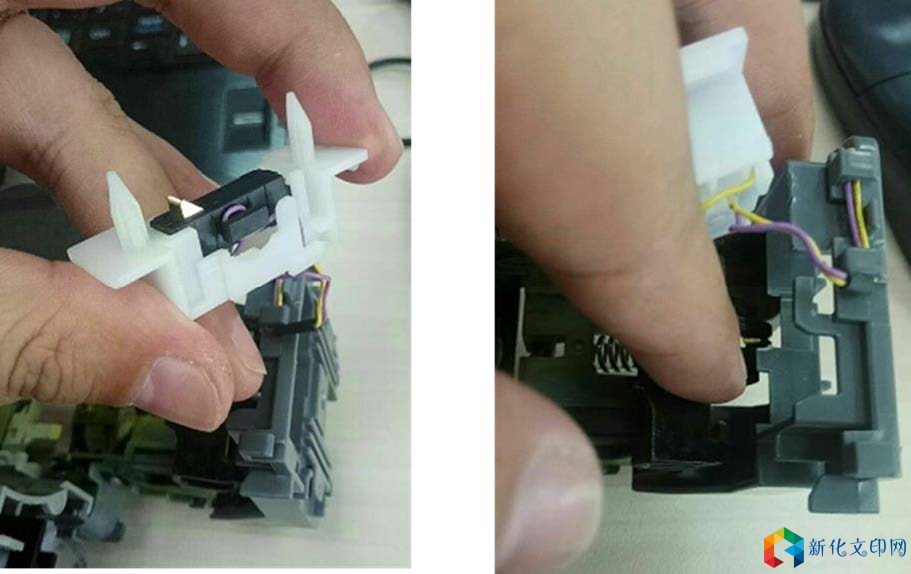
[Failure Phenomenon] After replacing the new toner, the error message "Please insert the red toner bottle" is prompted, and the toner cannot be detected. [Cause of Failure] Disassemble the red toner supply assembly for inspection, and make sure that the fixing groove of the toner detection module in the supply assembly is broken.
[Maintenance measures] Replace the new red toner supply assembly (FM1-B249-020). |
Address of this article:https://073868.com/post/2480.html
Copyright Notice:
For relevant infringements, reports, complaints and suggestions, please send E-mail:weixiuwang68@qq.com
Tags: #C3020 #Red #Toner cartridge







