
|
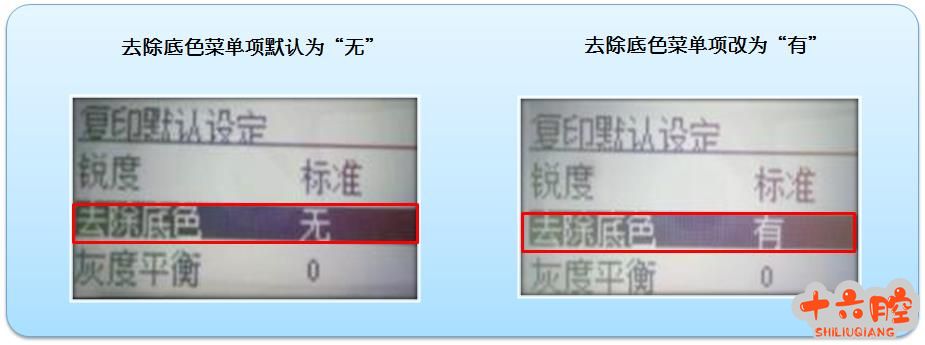
Xerox DocuPrint M105/M158/M218/M255 Copy Color Deep Original Bottom Grey Phenomenon Solution The menu provides the option to adjust the bottom gray setting. If you copy the original with a deep background, you can set it as follows: Menu (I key of panel)-default setting-copy default setting-remove the background color and change from "none" to "yes".
|
Address of this article:https://073868.com/post/2291.html
Copyright Notice:
For relevant infringements, reports, complaints and suggestions, please send E-mail:weixiuwang68@qq.com
Tags: #M105 #M158 #M218 #M255 #background color deep







