
|
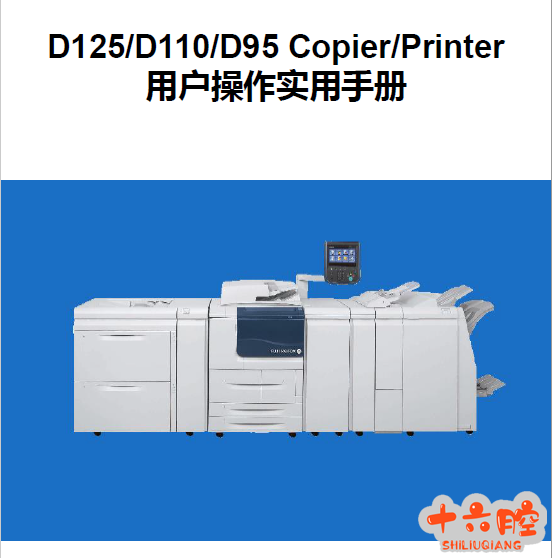
Xerox D95,D110,D125 User Manual Administrator's Guide D125/D110/D95 Copier/Printer User Manual
catalogue One Correctly place the original manuscript -4 II photocopy 1. Simple copying steps -5 2. Common photocopying applications Copying non-standard paper such as eco-friendly paper, thick paper, envelopes, etc. using a hand fed paper tray -7 Copy double-sided documents -- -- -- -- -- -- -- -- -- -- -- -- -- -- -- -- -- -- -- -- -- -- -- -- -- --9 Scaling the image -10 Shift or automatically center the image -11 Eliminate shadows around the replica -13 Copy books and periodicals -14 Simultaneously copying original documents of different sizes -15 Page up/bind/punch/fold engineering drawings -16 Printing booklets or overprinting A3 red headed documents -17 Copy ID card and other documents -18 Copy multiple pages of documents onto a single sheet of paper -19 Homemade Large Posters Repeating an image multiple times and printing it on a single sheet of paper -21 Add comments to the document - ------------------------------------22 Add cover or overprint A4 red headed document -23 Making C-shaped and Z-shaped origami - - - - - - - - - - - - - - - - - - - - - - - - - - - - - - - - - - - - - - - - - - - - - - - - - - - - - - - - - - - - - - - - - - - - - Insert a separator page in the copy file -25 Collect original manuscripts with different settings for copying -26 Make a copy of the sample -- -- -- -- -- -- -- -- -- -- -- -- -- -- -- -- -- -- -- -- -- --27 Storage of commonly used copying functions -- -- -- -- -- -- -- -- -- -- -- -- -- --28 Call the stored copy function -29 Link: https://pan.baidu.com/s/1cAJkn1Gsx8fMn8x6jLk6dg Extraction code: 8eu2 |
Address of this article:https://073868.com/post/1974.html
Copyright Notice:
For relevant infringements, reports, complaints and suggestions, please send E-mail:weixiuwang68@qq.com







