
|
Symptoms: The exposure light lights up normally when turned on, and the scanning car moves to the right and then to the left. However, when the scanning car moves to the lower part of the ruler, it reports SC120. Analysis: Refer to the manual for SC120-00 scanner in-situ error 1. The in-situ sensor (S42) of the scanner is not turned off. Possible causes:
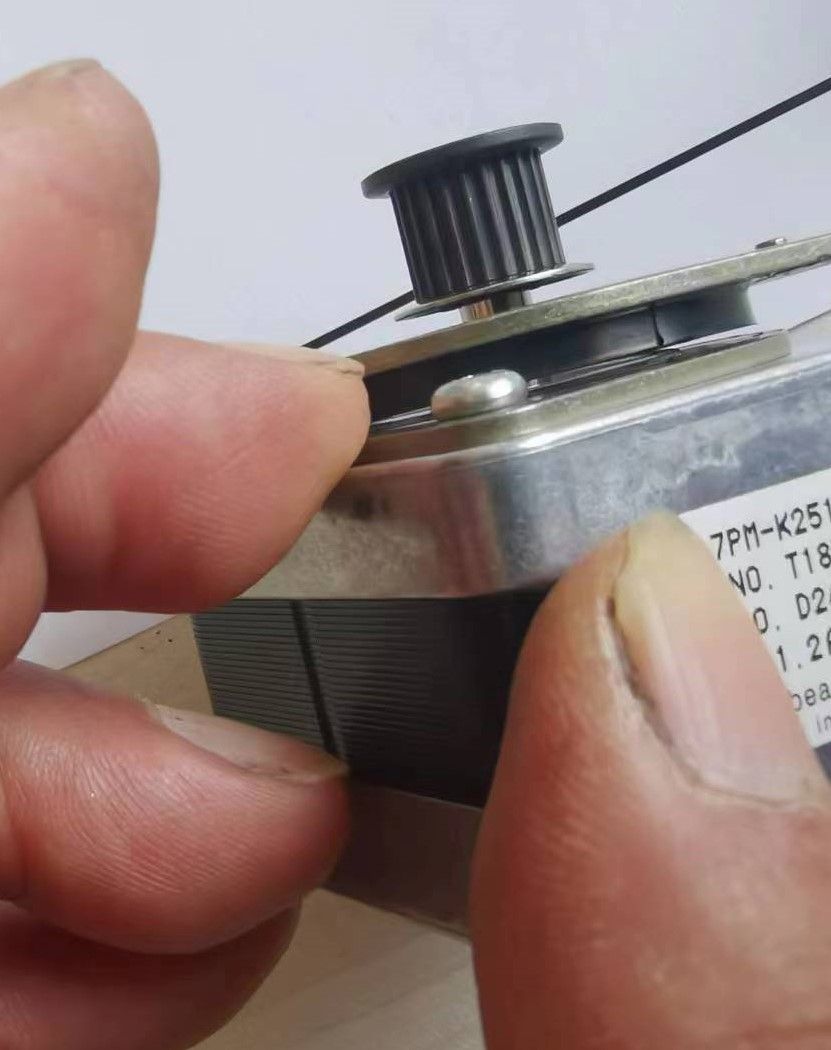
Measures: 1. Manually move the scanning cart smoothly, the synchronous toothed belt is tensioned normally without detachment, and the tensioning wheel is not loose. 2. The in-situ sensor of the 5-803-200 detection scanner is functioning normally on and off. 3. 4-013-001 Test: The scanning frame runs freely and moves normally. 4. Check if the motor installation is loose, and it was found that the shock absorber rubber on the motor mounting seat is abnormally cracked. Re bond the shock absorber adhesive of the installation seat for testing and troubleshooting.
Solution: Re bond the shock absorber adhesive of the installation seat for testing and troubleshooting. |
Address of this article:https://073868.com/post/1357.html
Copyright Notice:
For relevant infringements, reports, complaints and suggestions, please send E-mail:weixiuwang68@qq.com
Tags: #SC120 #3500 #2500 #Scanner motor







