
|
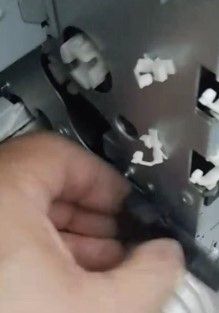
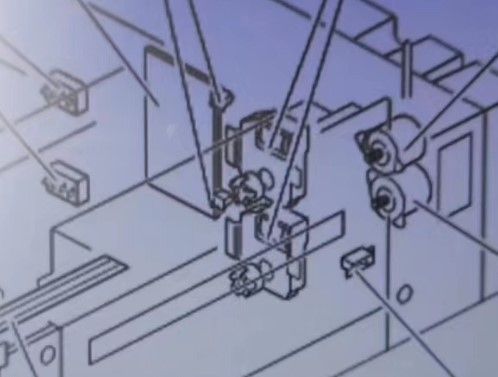
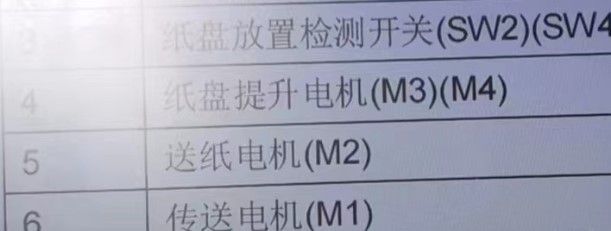
Symptoms A Ricoh M C2000 purchased PB3300 dual paper boxes but kept showing a "door open" fault message, unable to reset Possible causes: Poor side door contact arm of optional parts/Poor door switch sensor of optional parts/Poor motherboard of optional parts Maintenance process 1. Upon on-site inspection of the fault situation, the machine self checked for about 30 seconds after startup and displayed an error message as shown in the above figure. Re opening and closing the PB3300 side door failed to reset; 2. Check the side door contact arm, which is intact without any abnormalities; 3. Check if there are any foreign objects on the paper path that may cause the side door switch to malfunction. After inspection, it is normal; 4. Check if the door switch of the side door transmission unit is intact. After inspection, it was found that the side door sensor cover was skewed, which caused the side door to close and could not trigger the switch normally, ultimately resulting in the machine reporting an error and unable to reset;
Special reminder: The position of the side door switch of the PB3300 optional paper tray is relatively hidden, making it difficult to visually observe the specific location. It is necessary to remove the second paper path of the optional part before it can be seen. Please pay extra attention when repairing on site!
Solution The fault was repaired after resetting the door switch cover plate; |
Address of this article:https://073868.com/post/1317.html
Copyright Notice:
For relevant infringements, reports, complaints and suggestions, please send E-mail:weixiuwang68@qq.com
Tags: #C2000 #The door opens #Door switch cover plate #Sensor







