
|
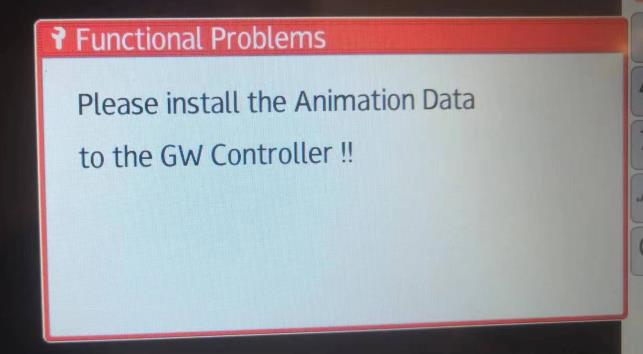
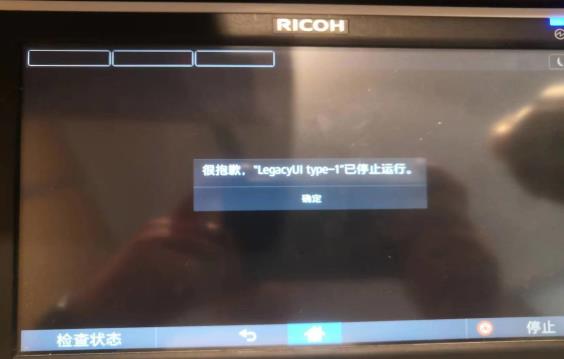
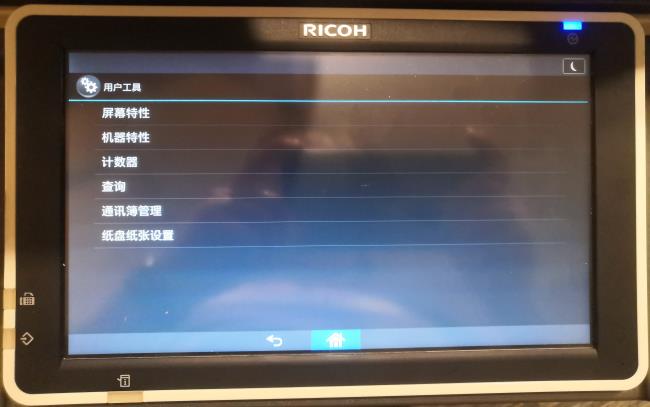
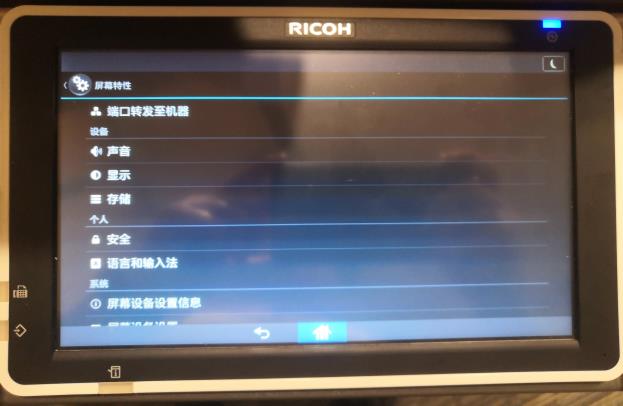
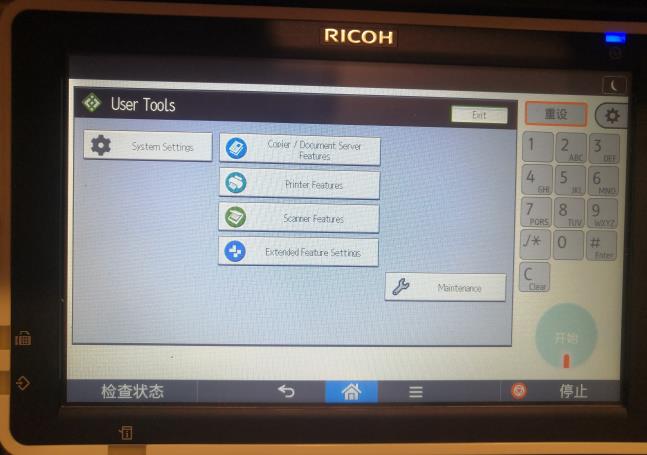
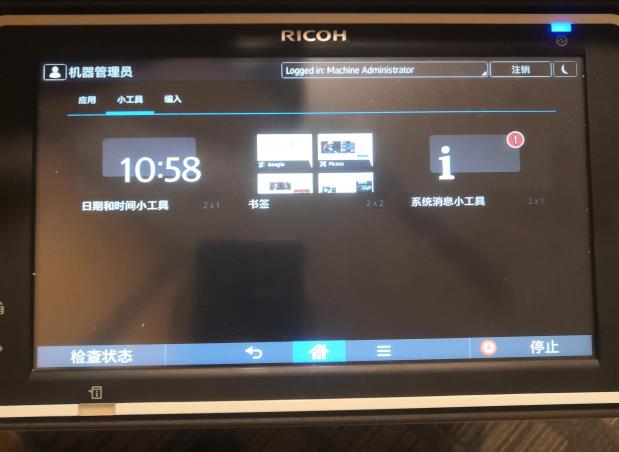
Symptoms: The MP7503SP model encountered an error message during the firmware package upgrade process. After shutting down and restarting, it was found that the "Screen Features" in the user tool displayed normally in Chinese, but the "Machine Features" displayed abnormally in English. At the same time, it was also found that the application options for "small tools" were incomplete. (Please refer to the attached diagram below)
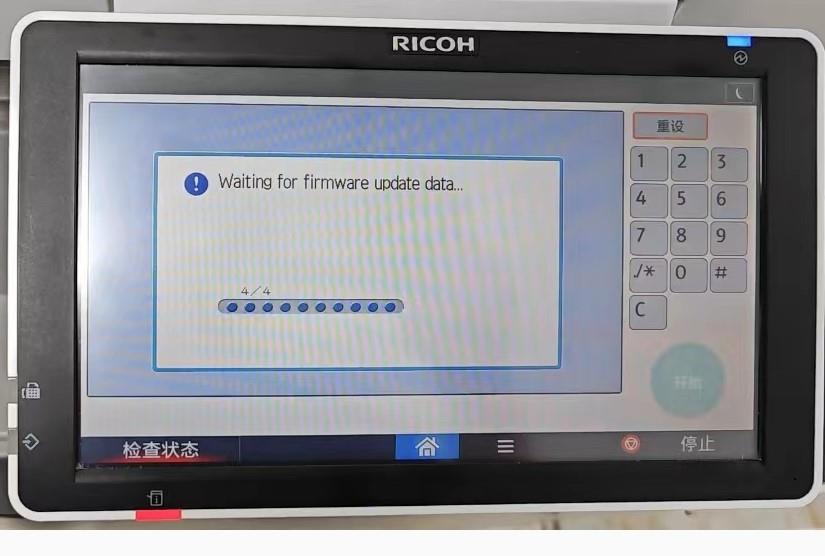
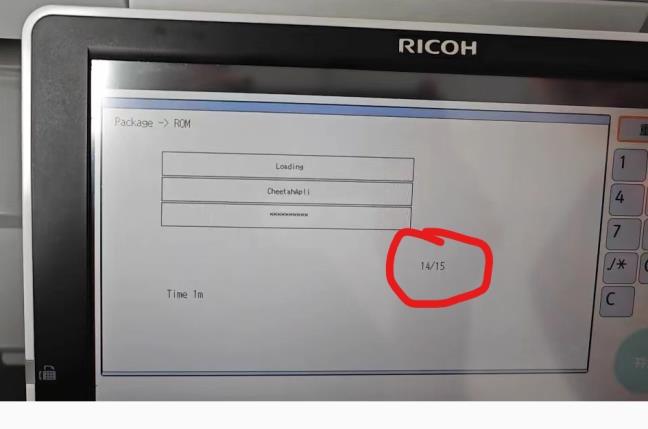
Maintenance process: Due to error messages during the upgrade process, the first consideration is to upgrade the package firmware package again. During the upgrade process, it was found that the firmware preparation phase ended and the subsequent upgrade process started directly from "14/15", indicating that the previous upgrade was not completed. After the upgrade was completed, there were no error prompts. The switch was restarted and the fault was fixed.
Preparation process
Upgrade process Solution: Upgrade the firmware again and confirm the complete execution of the process. |
Address of this article:https://073868.com/post/1287.html
Copyright Notice:
For relevant infringements, reports, complaints and suggestions, please send E-mail:weixiuwang68@qq.com
Tags: #7503 #Firmware Package #gadget #6503 #9003





