
|
Failure of Machine Printing Copies with Incomplete Edition
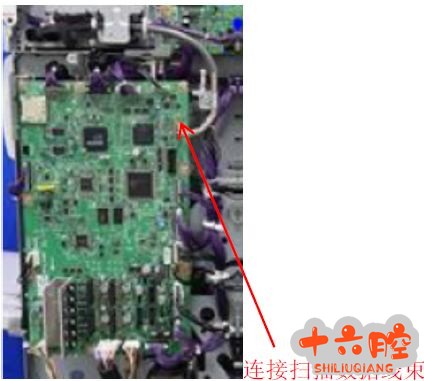
Reason 1) The motherboard MPU of the machine is bad. 2) Defect in the APS machine original document detection sensor. 3) Defect in the wiring harness connecting the machine scanning unit to the motherboard. 4) Issues with the machine’s method of scanning the original document. 5) Bad machine scanning unit. Maintenance process On-site maintenance measures: 1) Check and clean the APS sensor in the scanning unit, set the scanning mode for user tools, and use standard A- type paper original for testing. The machine has been started, but the fault cannot be resolved. 2) Replace the main board of the machine, the scanning unit of the original sensor APS, and the fault still exists. 3) Check the scanning unit to connect the data harness to the motherboard. If there is a problem with the connection, reinstall and fix the data harness. Troubleshooting.
|
Address of this article:https://073868.com/post/1184.html
Copyright Notice:
For relevant infringements, reports, complaints and suggestions, please send E-mail:weixiuwang68@qq.com






