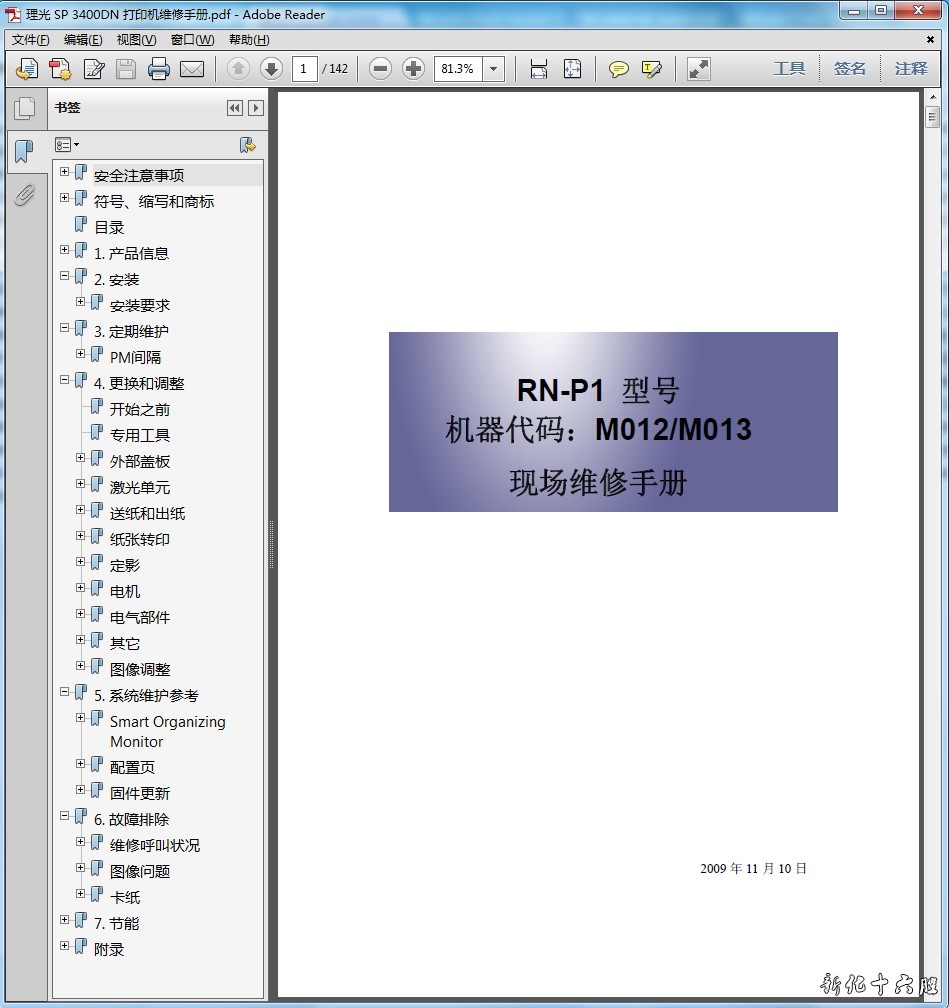
Language: ChineseFormat:PDFElectronic, no encryptionPage count: 142 pagesThe manual is detailed and illustrated. It is a good helper for maintenance personnel. With the maintenance manual, you don't have to worry about the disassembly and troubleshooting of this machine.!Even ordinary users can solve simple faults according to the maintenance manual.
Open the cover plateOpen the front or top cover.1. Close the front cover or top cover.2. Replace the interlock switch or trigger mechanism.010AIO setting errorBlack AIO not placedPoor connection of the ID chip terminal on the (black) AIO1. Install AIO.2. Reinstall or replace the AIO.014Incorrect placement of waste toner bottle• No waste toner bottle placedThe wire of the sensor for placing the waste toner bottle is broken or defectivePoor placement sensor of waste toner bottle1. Install the waste toner bottle.2. Check or replace the wire for placing the sensor in the waste toner bottle.3. Replace the waste toner bottle and place the sensor.
Link: https://pan.baidu.com/s/1VD-2ce4sRBCAmFipQg8TXA Extraction code: eec0