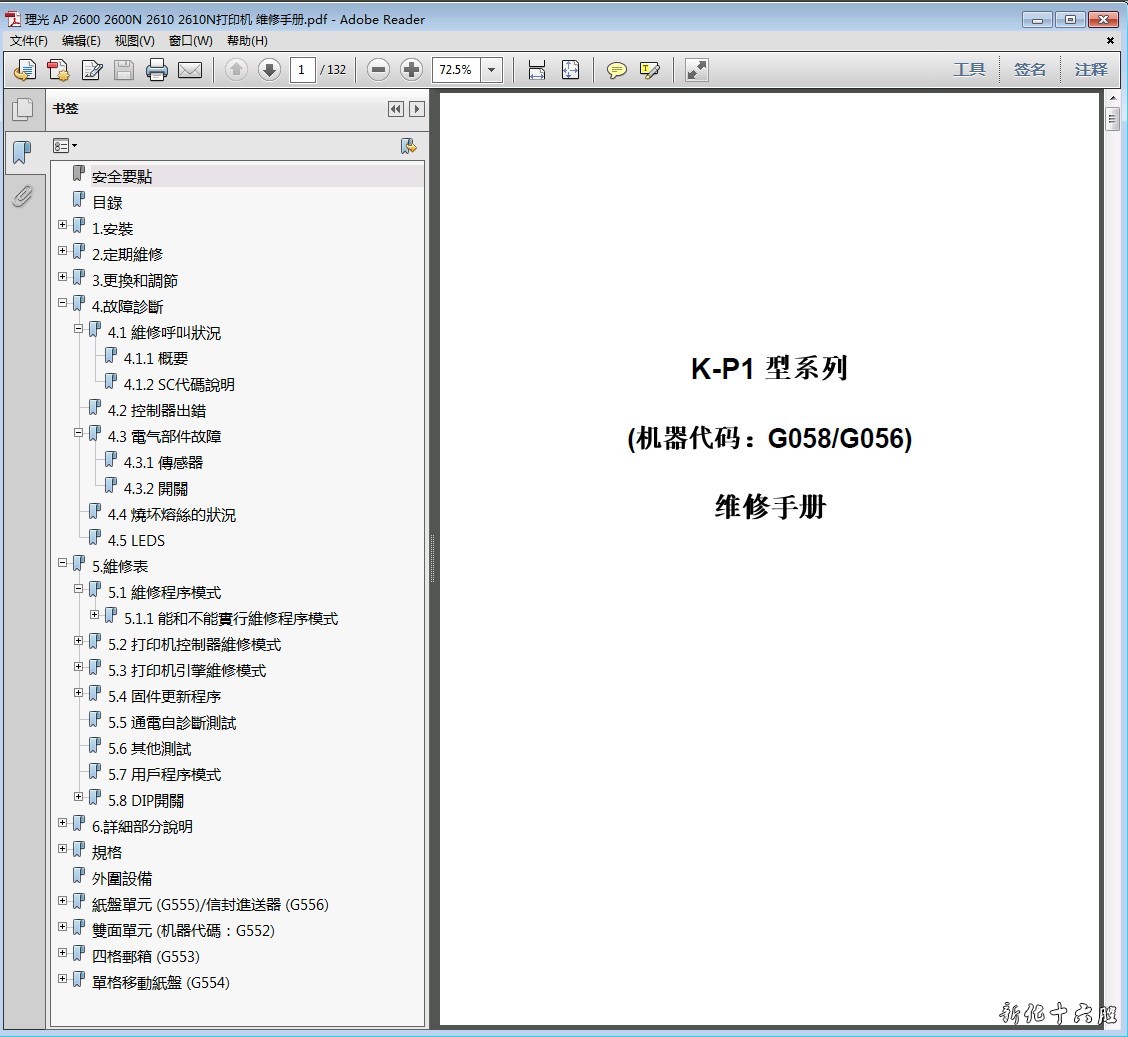
Ricoh AP2600 2600N 2610 2610N Printer Chinese Repair Manual
Visitor2750
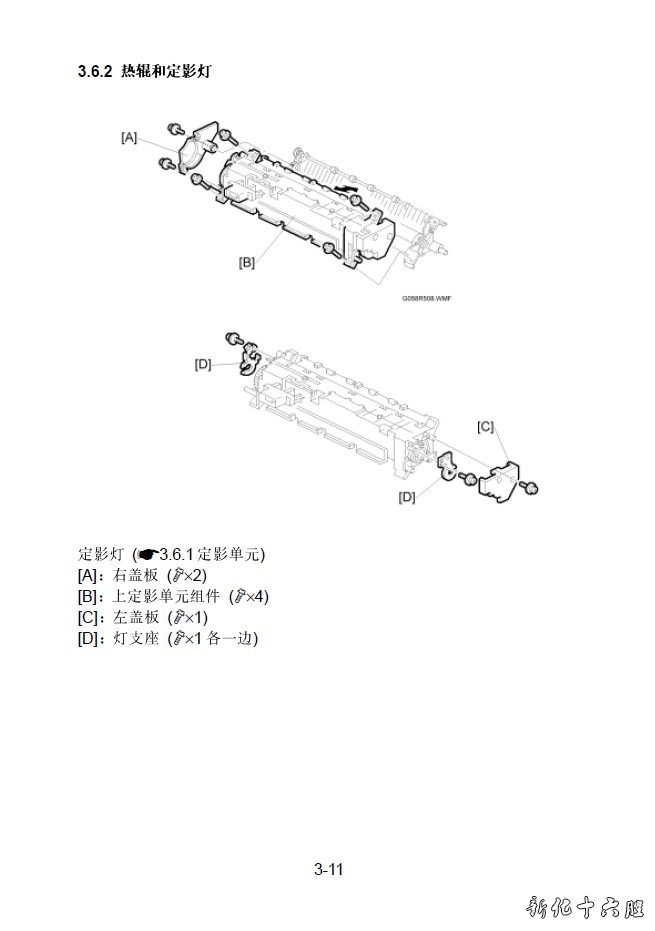
Language: ChineseFormat: PDF electronic version, no encryptionNumber of pages: 132 pagesThe manual is comprehensive and richly illustrated, making it an invaluable resource for maintenance technicians. With this repair manual in hand, you’ll no longer have to worry about disassembling this machine or troubleshooting its issues! Even ordinary users can resolve simple malfunctions by referring to the repair manual.
Enter maintenance modeThere are two ways to enter the maintenance mode.Method: Press "On Line" at the same time"key and“Escape”Key straightTurn on the machine until "1.Service Menu1" appears on the display.Device.Note: If you turn off the machine, use sample printing and protection printingJobs stored on the hard disk will be deleted. useThe user tool checks to see if these functions are stored.print job.Menu key sample print or protection print.Method: Press the up and down arrow keys simultaneously for 5 seconds, then press "Enter"key, the display appears“1.Service Menu1”。Note: When you enter the maintenance mode, the machine automatically enters the offline state.Enter the required proceduresUse the up and down arrow keys to scroll through the menu list.Service Menu: Controller Service ModeEngine maintenance: engine repair modeEnd: Exit service mode.To select an item, press Enter"Key. The submenu will then appear.Use the up and down arrow keys to scroll through submenus.To go back to a higher level, press "Escape"Key. Link: https://pan.baidu.com/s/1QnVo_vz3QTcE8sndT8D92w
Extraction code: 28oc