
|
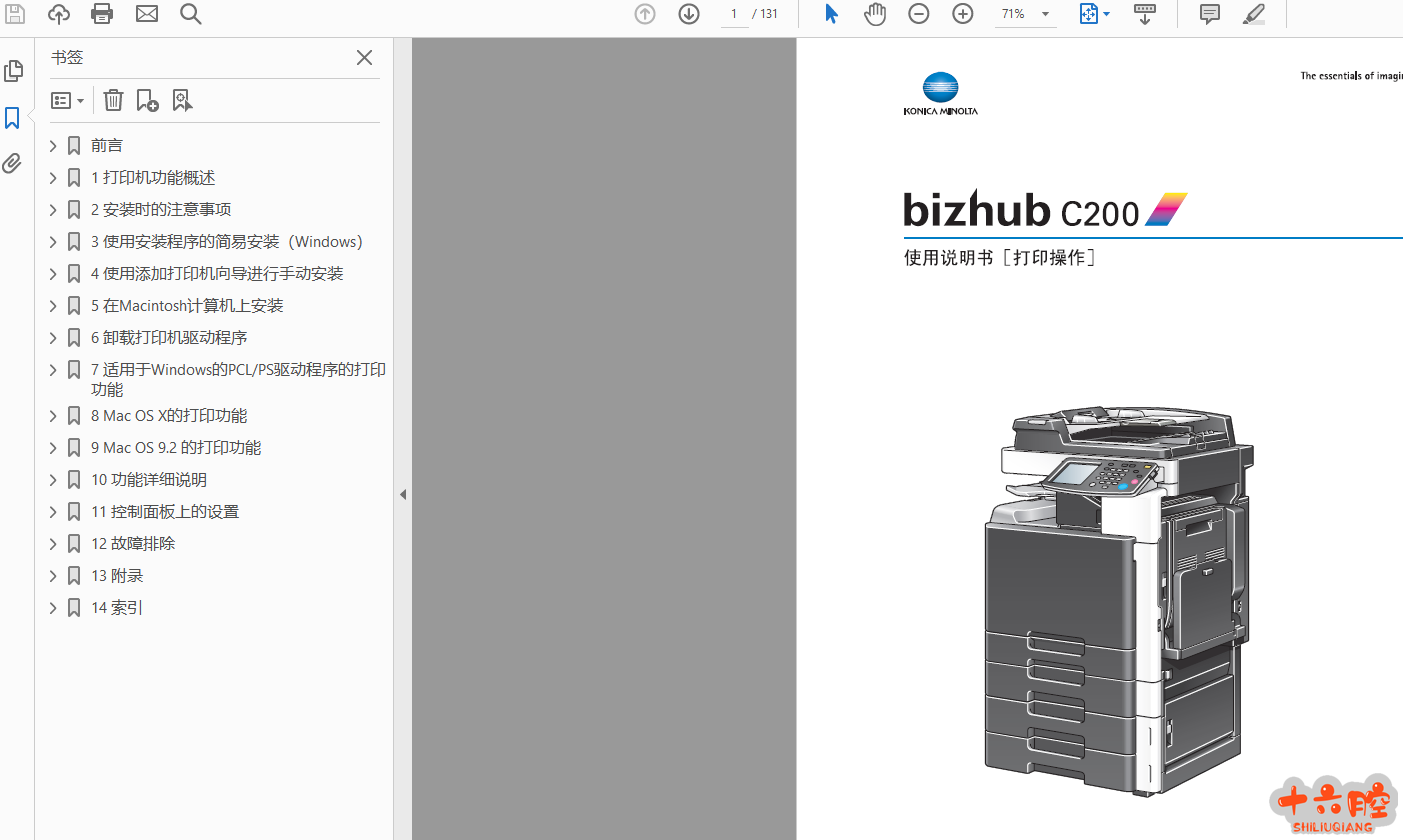
bizhub C200 user manual, parts manual, installation manual
5.1 Mac OS X 10.2, 10.3, or 10.4 5.1.1 Installing the Printer Driver 1 Start the Macintosh computer. 2 Insert the printer driver CD-ROM into the CD-ROM drive of your computer. -Exit all running applications. 3 Open the folder on the CD-ROM that contains the desired printer driver. -Select the specified folder based on the printer driver, operating system, and language you want to use. 4 Copy the driver files for the Mac operating system version to the desktop. – OS X 10.2:KONICAMINOLTA_C200_102.pkg – OS X 10.3:KONICAMINOLTA_C200_103.pkg – OS X 10.4:KONICAMINOLTA_C200_103.pkg 5 Double-click the file copied to the desktop. -Enter the administrator name and password required for the prompt. -For the administrator name and password, contact the network administrator. -To exit the installation, click the [Cancel] button. 6 Click the [Continue Still] button and follow the instructions on the screen until the Quick Install dialog box appears. 7 In the Easy Installation dialog box, click the [Install] button. -When installing the printer driver for the second time or later, the [Upgrade] button may appear instead of the [Install] button. Printer Setup is already installed on the Macintosh computer. A message appears after the installation is complete. Link: https://pan.baidu.com/s/1WR7DdgCJQBTUm3sOykOWFw Extraction Code: zses |
Address of this article:https://073868.com/post/790.html
Copyright Notice:
For relevant infringements, reports, complaints and suggestions, please send E-mail:weixiuwang68@qq.com







