
|
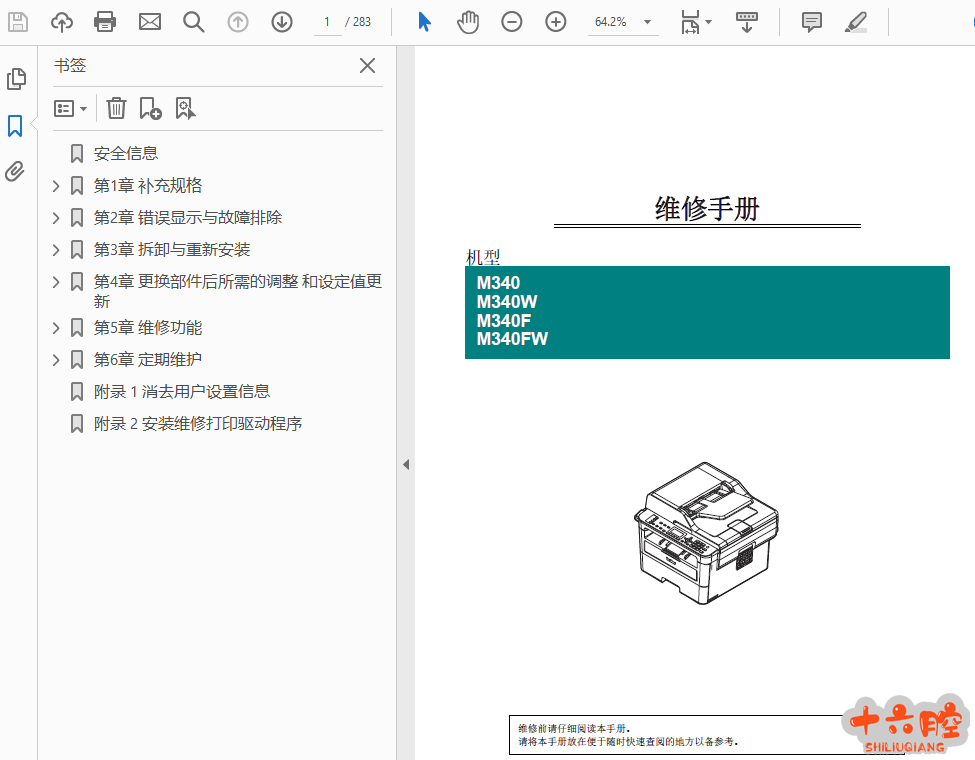
Ricoh M340,M340W,M340F,M340FW Chinese repair manual
The following steps are only used when using new motherboard components. If you are using motherboard components that have already been used in the market, you do not need to perform the following operations. <操作步骤> (1) Switch the device to maintenance mode. (Please refer to "1.1 How to enter maintenance mode" in Chapter 5.) (2) Press [0] and [3] in sequence. For models without numeric keypad, press [▲] or [▼] to display "MAINTENANCE 03" on the LCD screen, and then press [OK]. The LCD screen displays "1. SWSUM?". (3) Press [▲] or [▼] to display "3. ShippingStat?" on the LCD screen, then press [OK]. The LCD screen displays "ON" or "OFF: Change OK?". (4) When the LCD screen displays "ON", the device is in factory state. Press [X] or [Stop] to return the device to the initial stage of maintenance mode. When the LCD screen displays "OFF: Change OK?", press [OK] or [SET]. The device will transition to the factory state (Shipping state=ON) and return to the initial stage of maintenance mode. (5) Press twice [9]. For models without numeric keypad, press [▲] or [▼] to display "MAINTENANCE99" on the LCD screen, and then press [OK]. The device returns to standby mode. (6) Turn off the power switch of the device. Link: https://pan.baidu.com/s/1YNgk9lUSV66lrC7hpNlDsQ Extraction code: 23dk |
Address of this article:https://073868.com/post/750.html
Copyright Notice:
For relevant infringements, reports, complaints and suggestions, please send E-mail:weixiuwang68@qq.com







