
|
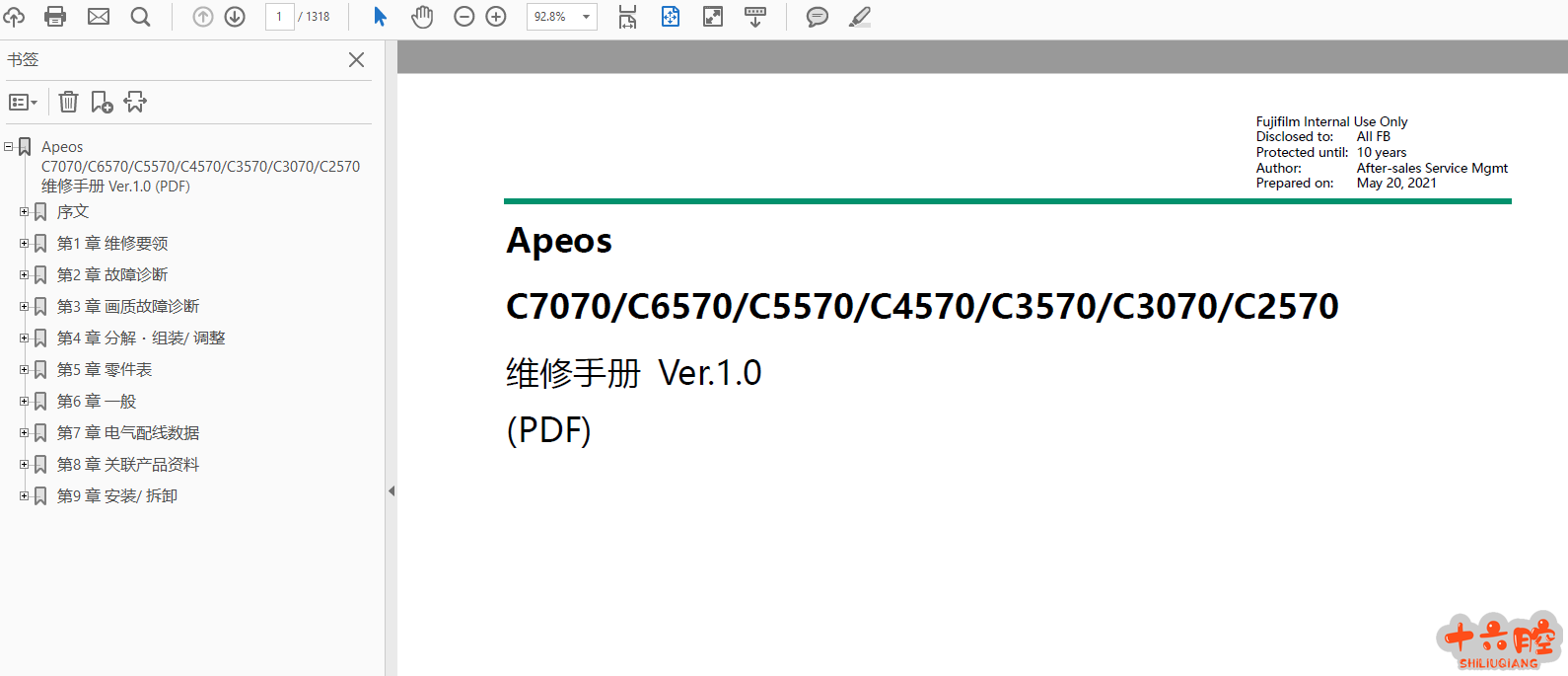
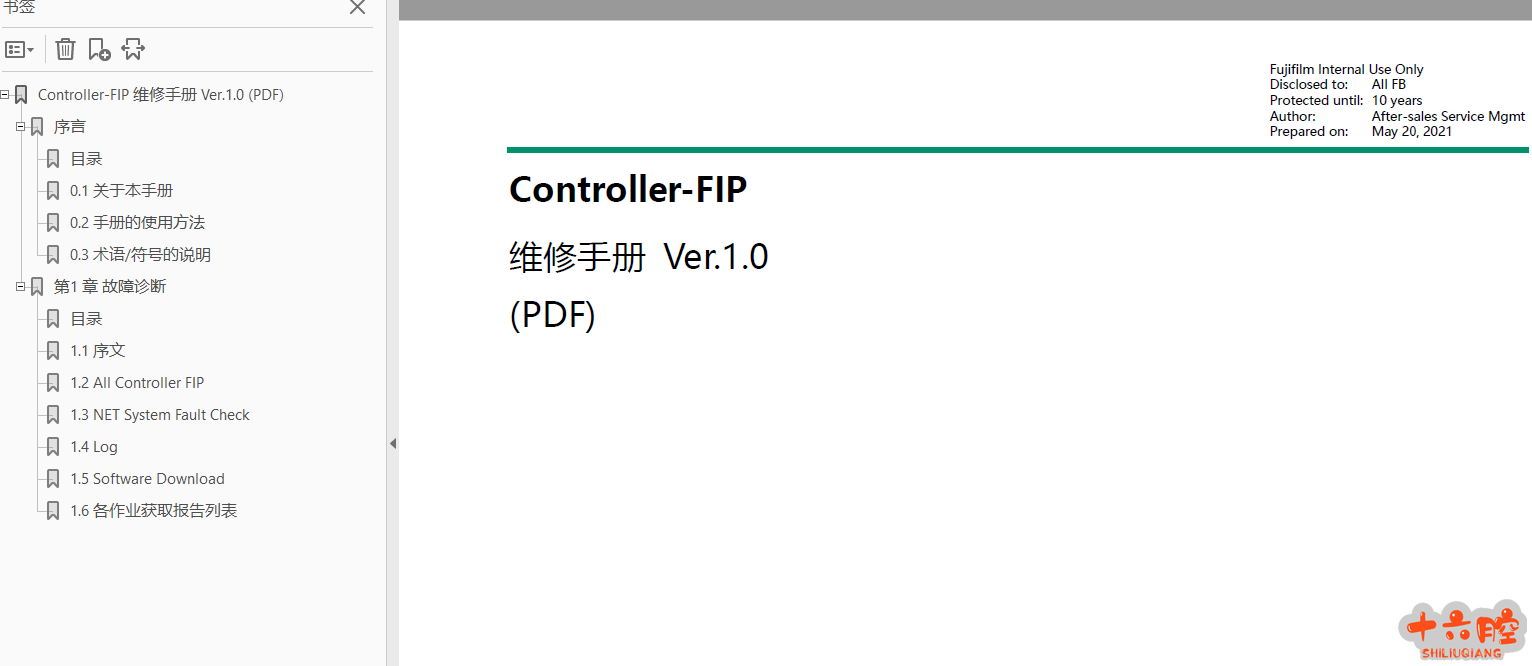
Xerox Apeos C7070,C6570,C5570,C4570,C3570,C3070 Chinese repair manual controller FIP repair manual
Link: https://pan.baidu.com/s/1sgeS6hng9kfxjF7K7RWXdg Extraction code: tl9b About formatting of HDD Forcing the formatting of the HDD with a special boot can become the partition state at the time of factory shipment. Formatting will cause all data in the HDD to disappear. When the HDD fails, it can be recovered by performing formatting. Steps 1. Unplug/insert the wiring harness of the HDD, and confirm whether the HDD is installed normally and installed correctly. OF-01 Execution [ If the fault continues, proceed to the next step. 2. If the fault continues, force initialization is performed with special start. When the machine is started by forcing the Spool Region (HDD) initialization, the HDD clearing operation can be forced. [Operation or Content] (1) On the printer, press the [Power Saving] button and the [↓] button at the same time to turn on the power, and the system will partition the HDD The data saved in No.4 is initialized. (2) In the case of the MF model, the power is turned on and executed in a state where the <Power Saving> key, <Stop> key and numeric keys [6] are pressed. (3) Initialization in the special boot of 2 is performed for a predetermined area of the HDD partition, and other areas are not affected. The same operation as when a defect occurs is performed here. 3. If the fault continues, a forced format is performed with a special boot. Forced HDD format startup (this job content cannot be disclosed to users) Through this operation, it can be forced to become the partition state at the time of factory shipment. (1) Press the <Power Saving> key and the <↓> key and <↑> key of the printer at the same time to turn on the power and perform HDD formatting. (2) If it is an MF model, press [4] of the <Power Saving> key, <Stop> key and numeric keys to turn on the power and perform HDD formatting. The same operation as when a defect occurs is performed here. 4. If the failure continues, replace the HDD and perform the same operation as when the failure occurs. 5. If the fault continues, then replace the ESS PWB and do the same operation as when a bad condition occurred. 6. Restore the NVM(700-530) set in step (1) to 1. 7. Upgrade the version of the host firmware. (Save the firmware for backup and recovery to the HDD) If the ESS PWB cannot be repaired, restore the old ESS PWB and contact support for instructions. Prepare the records and obtained reports for submission to the support department as necessary. (Refer to 1.4.2 Record collection operation steps) |
Address of this article:https://073868.com/post/5889.html
Copyright Notice:
For relevant infringements, reports, complaints and suggestions, please send E-mail:weixiuwang68@qq.com







