
|
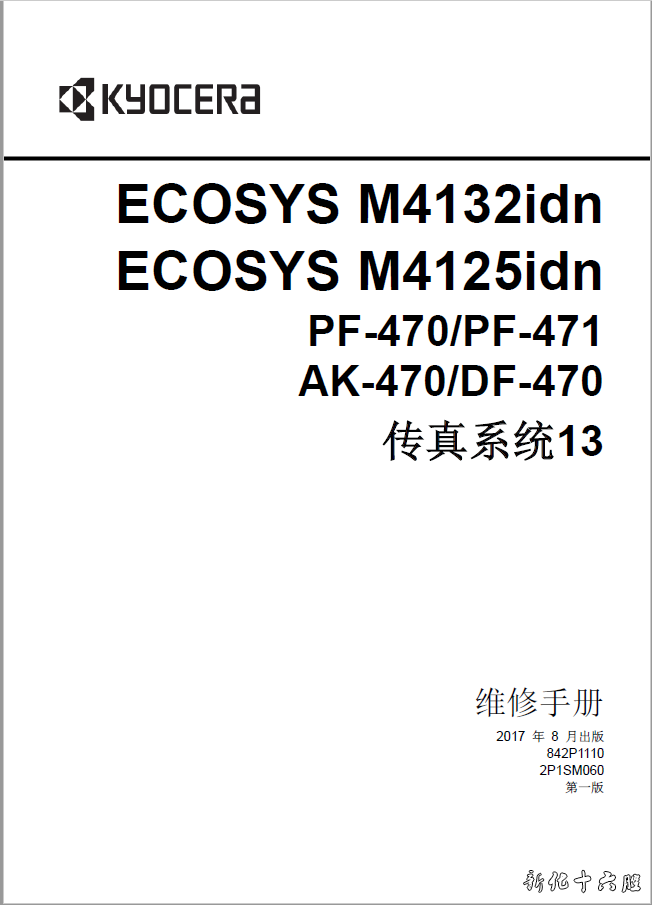
check document Using an original manuscript with incorrect specifications. (Thick, thin, or smooth original manuscript.) Please ask the user to use the specified paper. 2 check document Fold the front end of the original manuscript. Smooth out the folds of the original manuscript or paper creases. 3 Clean the conveyor roller and roller sleeve of the document feeder The transmission roller or roller sleeve of the document feeder is dirty. Clean the conveyor roller and roller sleeve of the document feeder 4 Check the transmission wheel and pressure spring of the document feeder The original transmission wheel is not rotating smoothly. Reinstall the transmission wheel and pressure spring of the document feeder. 5 Check the drive components of the document feeder The driver components of the document feeder are not installed correctly. Reinstall the driver components of the document feeder. 6 Check the original paper rubbing guide plate The original paper rubbing guide is working abnormally. Reinstall the original paper rubbing guide. 7 Replace the scanning guide plate of the document feeder The scanning guide plate of the document feeder is deformed. Replace the scanning guide plate of the document feeder. 8 Check the document feeder The internal document feeder of the host is not installed correctly. Check the position of the document feeder and tighten the screws again. Link: https://pan.baidu.com/s/14AthzrFn_3NoQNKehT_NEQ Extraction code: ctmu |
Address of this article:https://073868.com/post/5887.html
Copyright Notice:
For relevant infringements, reports, complaints and suggestions, please send E-mail:weixiuwang68@qq.com







