
|
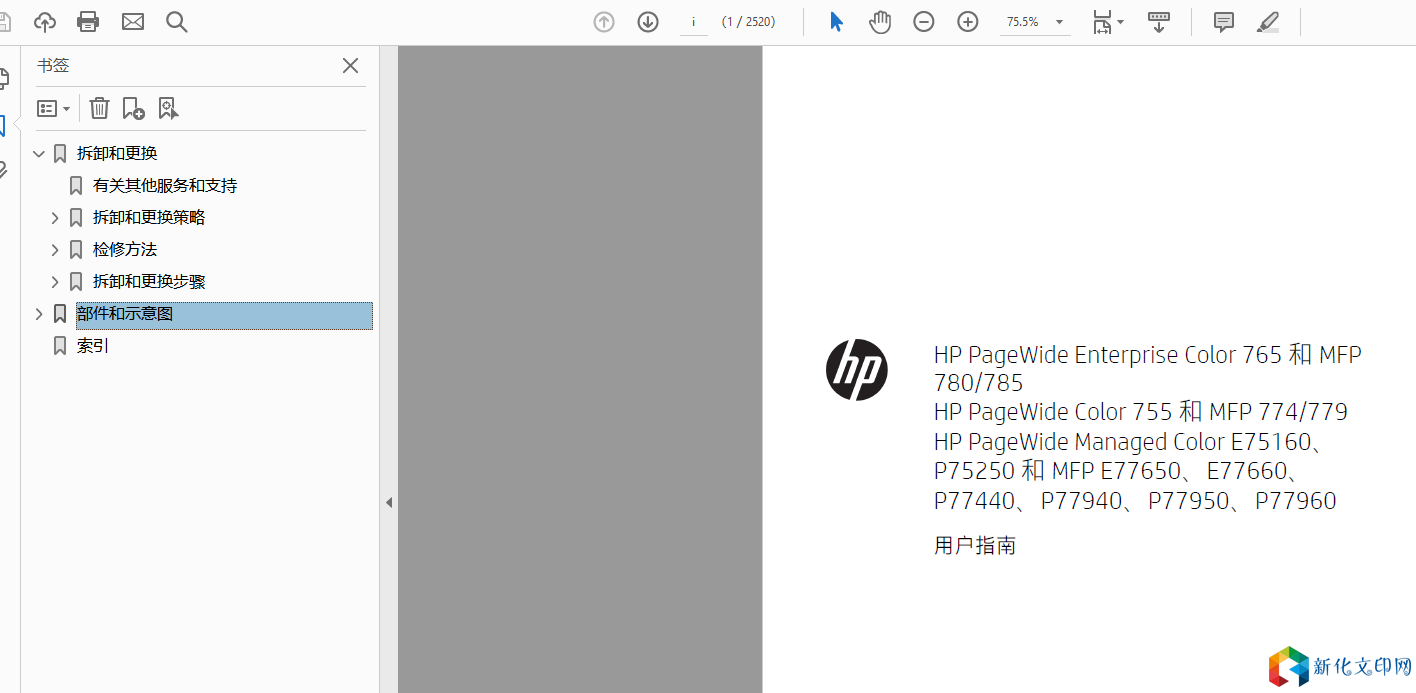
HP HP PageWide Enterprise Color 765 and MFP780/785 HP PageWide Color 755 and MFP 774/779 HP PageWide Managed Color E75160, P75250 and MFP E77650, E77660, P77440, P77940, P77950, P77960 User Guide
Maintenance method Before overhaul Remove all paper from the printer. ● Use the power button to turn off the power. ● Disconnect the power and interface cables. ● Place the product on an ESD workstation or ESD pad, or use an ESD wristband (if available). If there is no ESD table, pad, or wrist strap, first contact the metal plate chassis to provide an electrostatic ground, and then contact the components that are vulnerable to ESD damage. ● Remove the consumables (optional). If you removed the ink cartridge, install the cartridge shield. ● Remove the paper tray. After overhaul Plug in the power cord. ● Reinstall the consumables (if removed). ● Reinstall the tray tray tray. ● Load paper into the product. Test after overhaul Perform the following tests to confirm a successful repair or replacement: Print Quality Test 1. Verify that the necessary reassembly steps have been completed. 2. Make sure the tray contains clean, unmarked paper. 3. Connect the power cord and one or more interface cables, and then power on the printer. 4. Print the configuration page. 5. Print a print quality page and verify that there are no lines, streaks, or other print quality defects. 6. Send the print job from the host computer and confirm that the output is as expected. 7. Clean the outside of the product with a damp cloth. Copy Quality Test (MFP model) 1. Verify that the necessary reassembly steps have been completed. 2. Make sure that the feed tray contains clean, unmarked paper. 3. Connect the power cord to the printer, and then turn on the printer. 4. Confirm the expected start sound. Link: https://pan.baidu.com/s/1wV4wFXQyHvatBy9YrVqaUw Extraction code: 421o |
Address of this article:https://073868.com/post/544.html
Copyright Notice:
For relevant infringements, reports, complaints and suggestions, please send E-mail:weixiuwang68@qq.com







