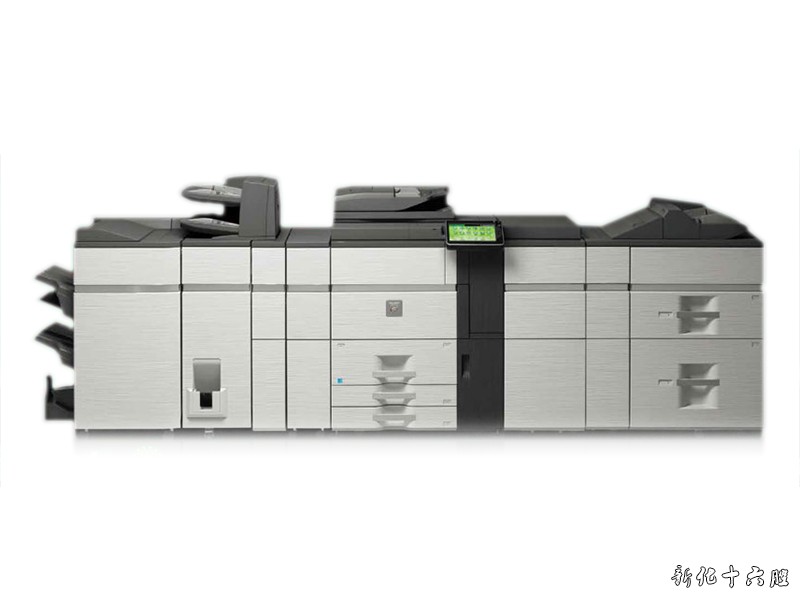
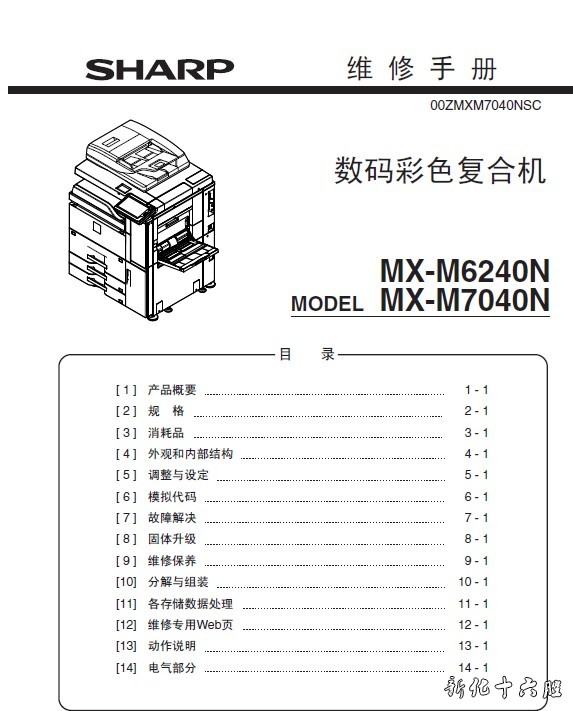
Sharp MX-M6240N M7040N M6240N Color Copier Chinese Maintenance Manual
Visitor2600
Language: ChineseFormat:PDFElectronic, no encryptionThe manual is detailed and illustrated. It is a good helper for maintenance personnel. With the maintenance manual, you don't have to worry about the disassembly and troubleshooting of this machine.!Even ordinary users can solve simple faults according to the maintenance manual.
Service Color Balance Object in Copy Color Balance Adjustment (Automatic Adjustment) SIM46-74/46-24)For service color balance objects, they can be adjusted to optional color levels by simulating SIM46-21Heng, and register using simulated SIM63-7. However, after executing the simulation SIM63-8,The color balance becomes the same as the factory color balance object set in SIM63-11 simulation.Color balance objects in user color balance adjustmentThis color balance and copy color balance adjustment (automatic adjustment) (SIM46-74/46-24)The service color balance objects in are the same. Therefore, when the service color balance object changes, thisThe color balance object also changes accordingly.The significance and registration purpose of gamma data for service color balance objectsThis operation must only be performed when color balance is customized through SIM46-21. If color balance is not customized, there is no need to perform this operation.According to user requirements (customized color balance), execute SIM46-21 to adjust color balanceAfter manual operation, use the adjustment template printed in this mode to register the color balance of the serviceObject data (using SIM63-7).Note: In this case, it is necessary to use A4 or 11 "x 8.5" paper to simulate SIM46-21 Print adjustment template. This process modifies the service color balance object.Suggest saving the adjustment template printed during the simulation process of SIM46-21, and using this template,The same color balance object can be set on other machines and can also be used to register serversMaintain color balance for object data.Be careful not to fold the template and avoid placing it in areas that are prone to fading or getting dirty.Generally speaking, after completing color balance adjustment (manually) with SIM46-21, it should be immediately registeredRecord service color balance object data.If a long period of time has passed after manually adjusting the color balance using SIM46-21,The color balance of the current adjustment template is different from that of the past. In this case, please do notUse this invalid adjustment template.The correctness of service color balance object data can be determined by the following methods.Using simulation SIM46-74/46-24 to select service color balance objects and perform color balance tuningAutomatically check and adjust the results. If the adjustment result is abnormal or does not meet the requirements, then colorThe color balance adjustment (automatic) registration service object data may be incorrect.The reason may be:The colors used when registering service object data for color balance adjustment using simulated SIM63-7The color balance adjustment template is incorrect or abnormal.The color balance adjustment template used for registration is manually used to simulate color balance in SIM46-21Printed during balance adjustment, there may be issues during this process. Link: https://pan.baidu.com/s/1Xv1iRzxe1BNuxiA0H6jUdg
Extraction code: 5ptp