
|
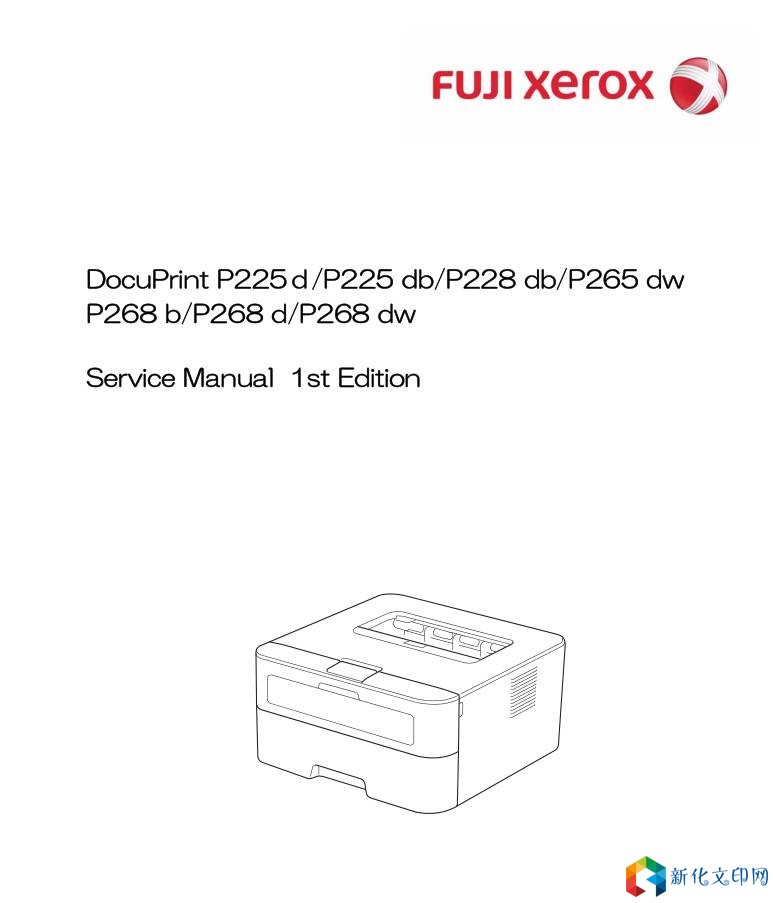
Xerox DocuPrint P225d-P225 db-P228 db/P265 dw-P268 b-P268 d-P268 dw repair manual
Checks before Commencing Troubleshooting Check the following items before commencing repairs on the machine. n Operating environment (1) The machine is placed on a flat, stable su**ce. (2) The machine is used in a clean environment where the temperature is 10°C (50°F) to 32.5°C (90.5°F), and the relative humidity is maintained between 20% and 80%. (3) The machine is not exposed to direct sunlight, excessive heat, moisture, or dust. (4) Hold the machine level while moving it. Be sure to move or lift the machine with two or more people. n Power supply (1) Power described on the rating label attached on the machine is supplied. Power fluctuation should be within ±10% of the rated voltage. (2) The AC input power supply is within the regulated value. (3) The cables and harnesses are connected correctly. (4) The fuses are not blown. n Paper (1) The recommended type of paper is being used. (2) The document is not damp. (3) Short-grained paper or acid paper is not used. n Consumable parts Link: https://pan.baidu.com/s/1YBn_DRJ67ZU7TTJ7oBStRQ Extraction code: l3lj Document Password: tdlcsdec04 |
Address of this article:https://073868.com/post/4218.html
Copyright Notice:
For relevant infringements, reports, complaints and suggestions, please send E-mail:weixiuwang68@qq.com







