
|
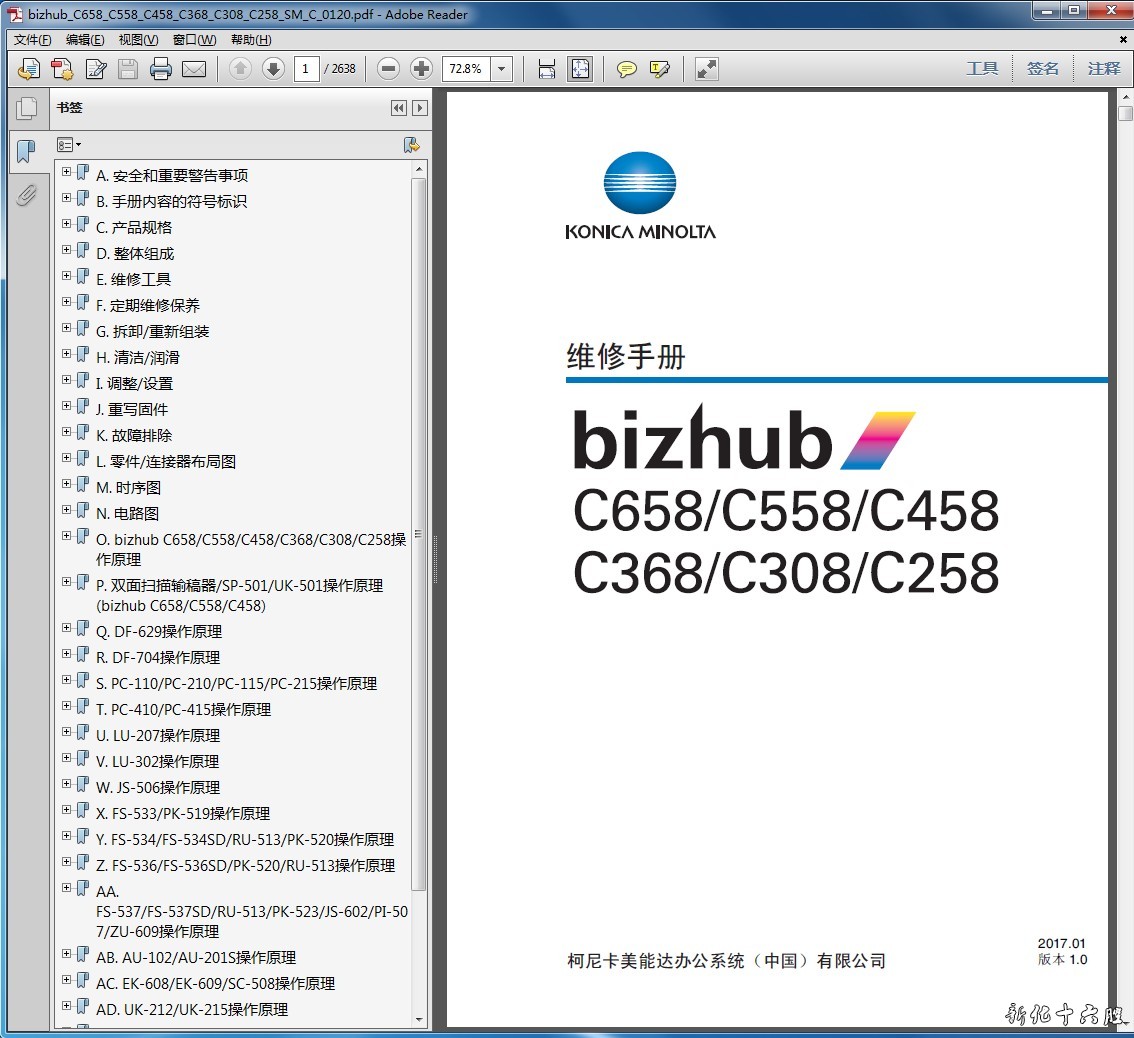
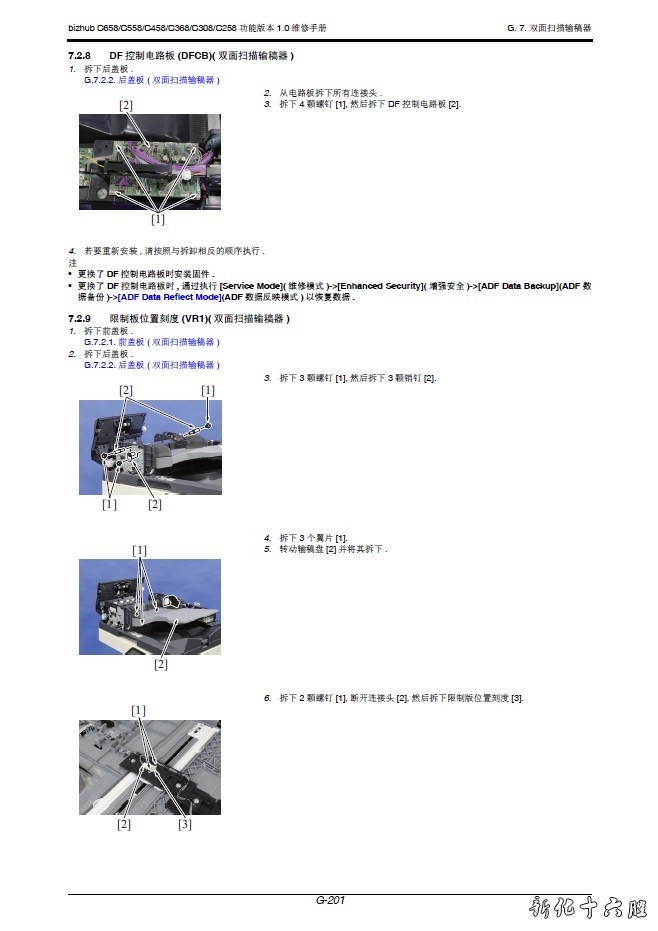
Language: ChineseFormat:PDFElectronic, no encryptionPage count: 2638The manual is detailed and illustrated. It is a good helper for maintenance personnel. With the maintenance manual, you don't have to worry about the disassembly and troubleshooting of this machine.!Even ordinary users can solve simple faults according to the maintenance manual.
Paper jam code (1) Cardboard display: When a paper jam occurs, information will be displayed, including the steps to clear the jam, the location of the jam (flashing numbers), the position of the remaining paper (flashing numbers), and the jam code Touch [Display Switch] to switch between the screen displaying the steps to clear the paper jam and the screen displaying the location of the paper jam Note: The jam code will only be displayed on the jam warning screen when [Service Mode] ->[System 2] ->[JAM Code Display Setting] is set to "Display" To change the initial display when a paper jam occurs to show the location of the jam, set [Utility] ->[User Settings] ->[Custom Display Settings] ->[Paper jam release procedure display settings] to "OFF". When [Paper jam release procedure display settings] is set to "OFF", "screen showing jam clear procedure" cannot be displayed (2) Paper jam display reset step 1 Open the corresponding door, remove the stuck paper, and then close the door Touch the "OK" displayed on the touch panel Link: https://pan.baidu.com/s/1C8Im4Q-572gxnR-dRXomhg Extraction code: 8sn4 |
Address of this article:https://073868.com/post/4185.html
Copyright Notice:
For relevant infringements, reports, complaints and suggestions, please send E-mail:weixiuwang68@qq.com







