
|
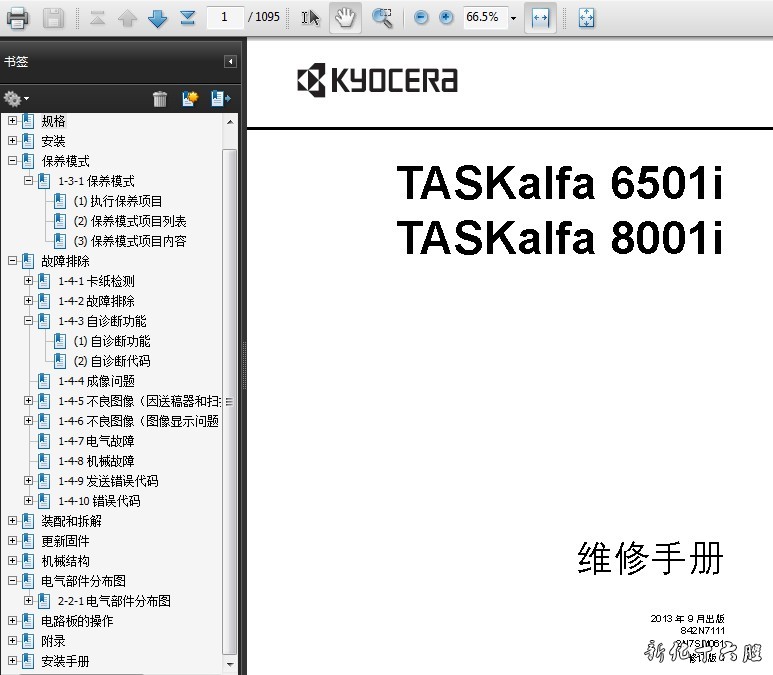
0030 Fax Control Circuit Board System Error Due to software malfunction, fax software processing has been disabled. Fax control circuit board 1. Turn off the main power switch, wait for 5 seconds, then reinstall the fax control circuit board, and then turn on the power again. 2. Reinstall the fax software. 3. Replace the fax control circuit board. 0060 driver board mismatch The driver and driver sub board do not match. Poor drive board Drive board 1. Turn off the main power switch and wait for 5 seconds before turning on the power again. 2. Replace the driver board (please refer to page 1-5-82). 0070 Fax Control Circuit Board Incompatibility Detection Error. The fax control circuit board is not compatible with initial communication anomaly detection and does not transmit any normal communication commands. Fax control circuit board The installed fax board is not Local dedicated fax board 1. Install a dedicated fax system for this machine. 2. Reinstall the fax software. 0100 Backup Memory Device Error EEPROM (Main Control Board) 1 Turn off the main power switch, wait for 5 seconds, and then turn on the power again. 2. Check if the EEPROM on the main circuit board is installed correctly; If not correct, please reinstall. 3. Replace the main control board (please refer to pages 1-5-73). 0120 MAC address data error The data in the MAC address is invalid. EEPROM (main control board) 1 Turn off the main power switch, wait for 5 seconds, and then turn on the power again. 2. Check the MAC address on the network status page. 3. If it is blank, please obtain the EEPROM and its written MAC address from the maintenance support personnel and install it. 4. Replace the main control board (please refer to pages 1-5-73). Link: https://pan.baidu.com/s/1D62vNdO0wGTH74IRpIN7_w Extraction code: tic2 |
Address of this article:https://073868.com/post/4140.html
Copyright Notice:
For relevant infringements, reports, complaints and suggestions, please send E-mail:weixiuwang68@qq.com







