
|
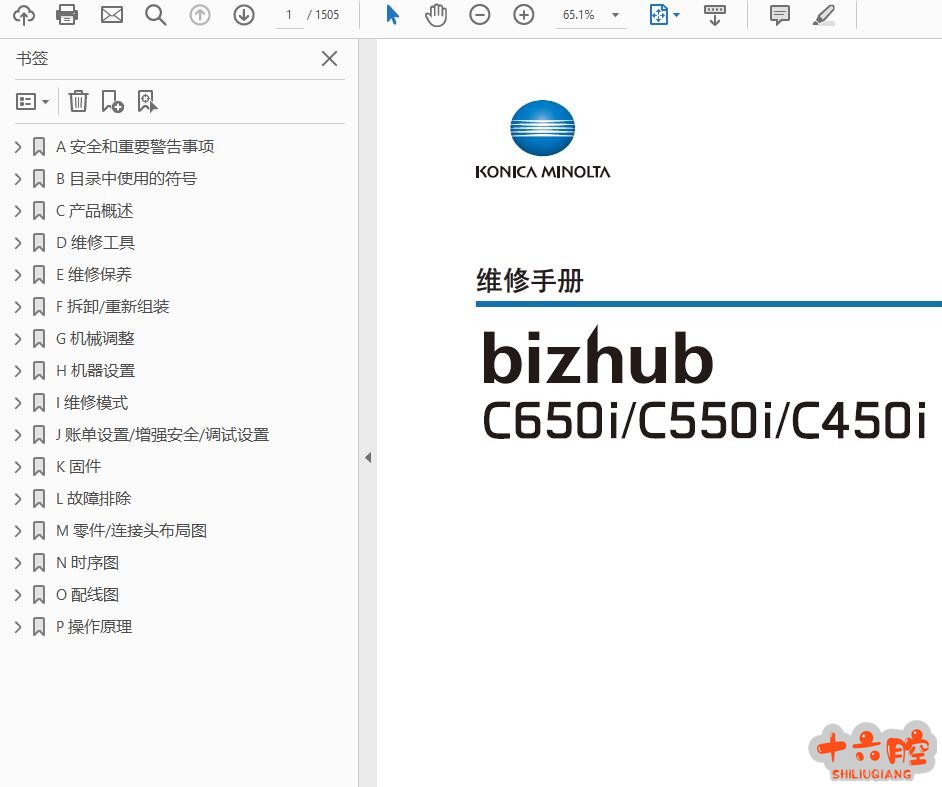
Ke Mei bizhub_C650i_C550i_C450i Chinese repair manual
Note • The settings in Utility (Machine Setup) mode and Service Mode (Service Mode) are not changed when the firmware is rewritten. < 如何使用 USB 存储器> • Save firmware data to USB memory. Connect the USB directly to the host and update the firmware. < 如何使用 Internet ISW> • "Internet ISW" is a system that acquires firmware from a program server via the Internet to update the firmware. • Firmware update command is issued or executed at a predetermined time. < 如何使用自动更新设置> • The Automatic Update feature allows the host to periodically access the program server over the network to obtain new firmware data, which is then automatically rewritten. • It is also possible to share update data obtained from the network with other MFPs and operate the MFP as a program server for the "automatic update function. Refer to I .19.2.2. Relay Server Settings for more information ". Link: https://pan.baidu.com/s/1jMDYc0MBp48mE2c4V4vPmA Extraction code: j3s8 Link: https://pan.baidu.com/s/1zHJbpzFoKZ2sNKgLdRWPOg Extraction code: 8r2c |
Address of this article:https://073868.com/post/4124.html
Copyright Notice:
For relevant infringements, reports, complaints and suggestions, please send E-mail:weixiuwang68@qq.com







