
|
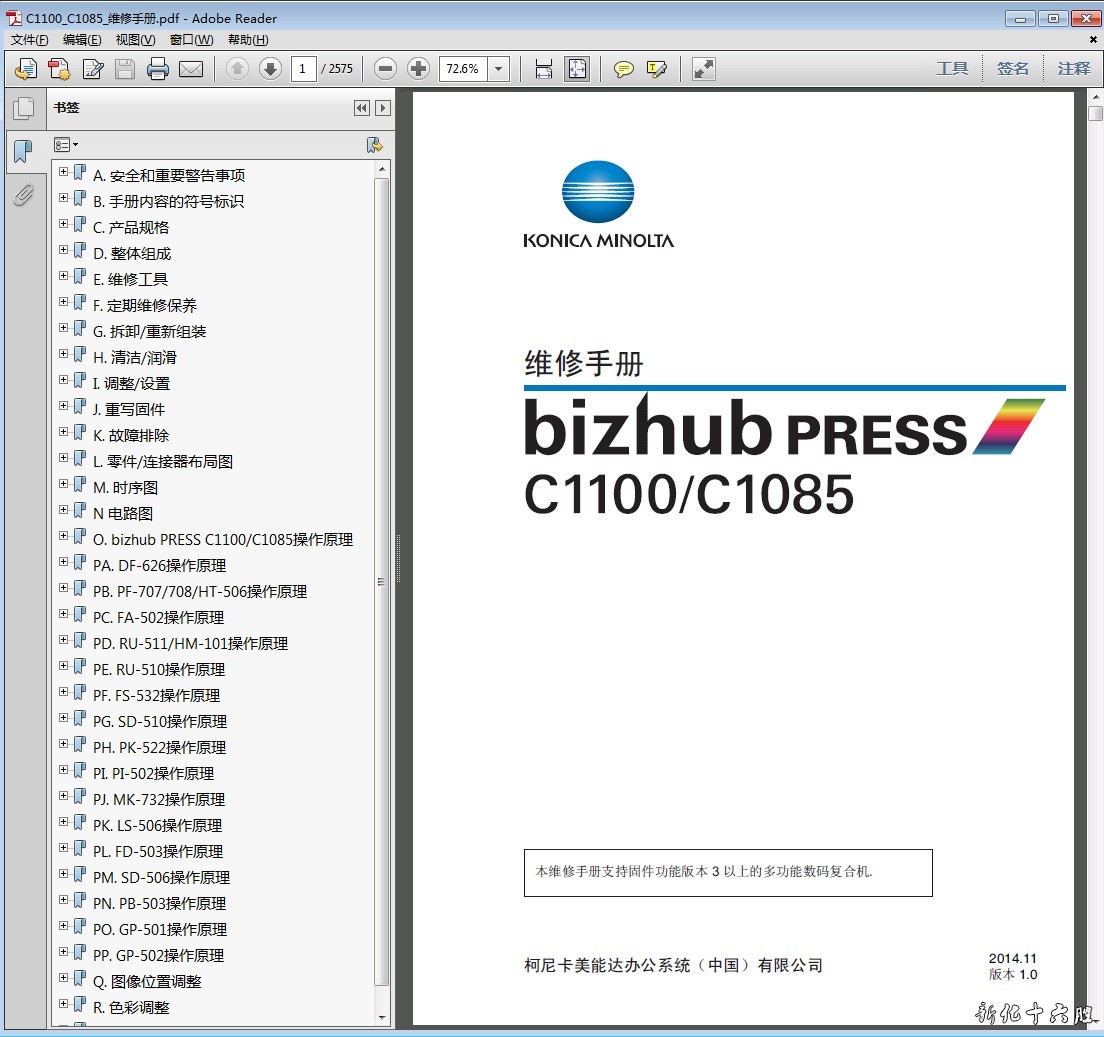
Language: Chinese manual+English manual+training manual Format:PDFElectronic, no encryptionPage count: 2575The manual is detailed and illustrated. It is a good helper for maintenance personnel. With the maintenance manual, you don't have to worry about the disassembly and troubleshooting of this machine.!Even ordinary users can solve simple faults according to the maintenance manual.
00-001(2) CategorySpecification mismatch between hard drive and SSD(3) ReasonThe specifications of SSD and hard drive do not match(4) Measures to be taken when an alarm occursIC immediately stops(5) Possible abnormal parts• SSD• Hard drive(6) Solution measuresRestart the power switch of the hostNoteThe touch panel will display the message 'Please turn on power again'(7) Solution1. Restart the power switch of the host2. Enable maintenance mode3. Hard disk settings - format the hard disk through the hard disk data formatting function(8) Fault parts isolation DIPSW(9) Control during SeparationLink: https://pan.baidu.com/s/1LbQ6r8U5evvERreRkHMWMw Extract code: After copying this content, open the Baidu Netdisk mobile app for more convenient operation |
Address of this article:https://073868.com/post/4101.html
Copyright Notice:
For relevant infringements, reports, complaints and suggestions, please send E-mail:weixiuwang68@qq.com







