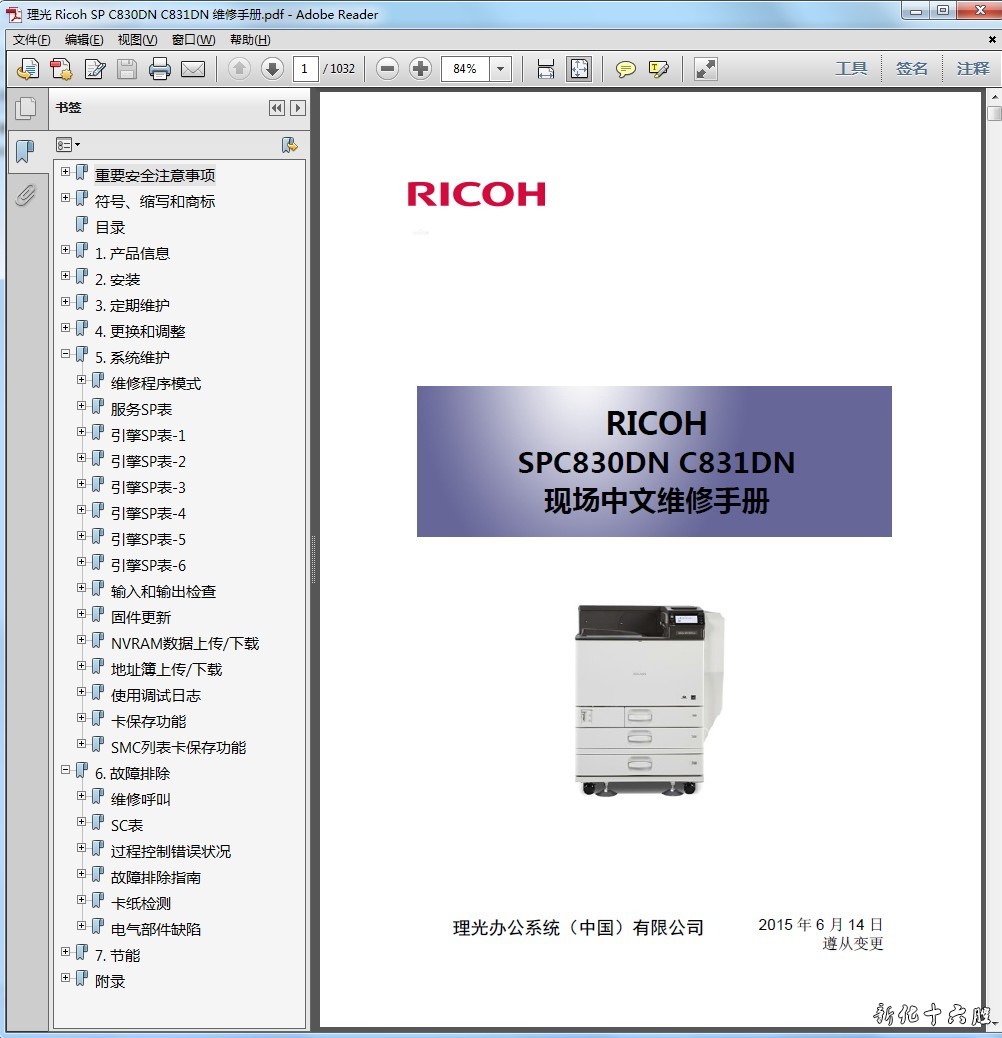
Ricoh RICOH SP C830DN C831DN color laser printer Chinese repair manual
Visitor3490
Language: ChineseFormat:PDFElectronic, no encryptionNumber of pages: 1032 pagesThe manual is detailed and illustrated. It is a good helper for maintenance personnel. With the maintenance manual, you don't have to worry about the disassembly and troubleshooting of this machine.!Even ordinary users can solve simple faults according to the maintenance manual.
Perform the following steps after replacing the gear unit.1. Turn on the main power switch.2. Enter SP mode.3. Press Engine ".4. Perform "amplitude control" with SP1-902-001 ".5. Check the results of the amplitude control with a SP1-902-002.0: Success, 2: Failure due to no sample data,3: Failed due to insufficient number of patterns detectedWhen the adjustment result is "2" or "3:• Check that all PCDUs and the image transfer belt unit are placed correctly.• Perform Amplitude Control again after checking the PCDU and image transfer belt unit ".When the result is still "2" or "3" after checking the PCDU and the image transfer belt unit:• Check that the gear unit is installed correctly.6. Exit SP mode.Link: https://pan.baidu.com/s/149RjAC_Ue7R99n-08tdgVQ
Extraction code: iwb8