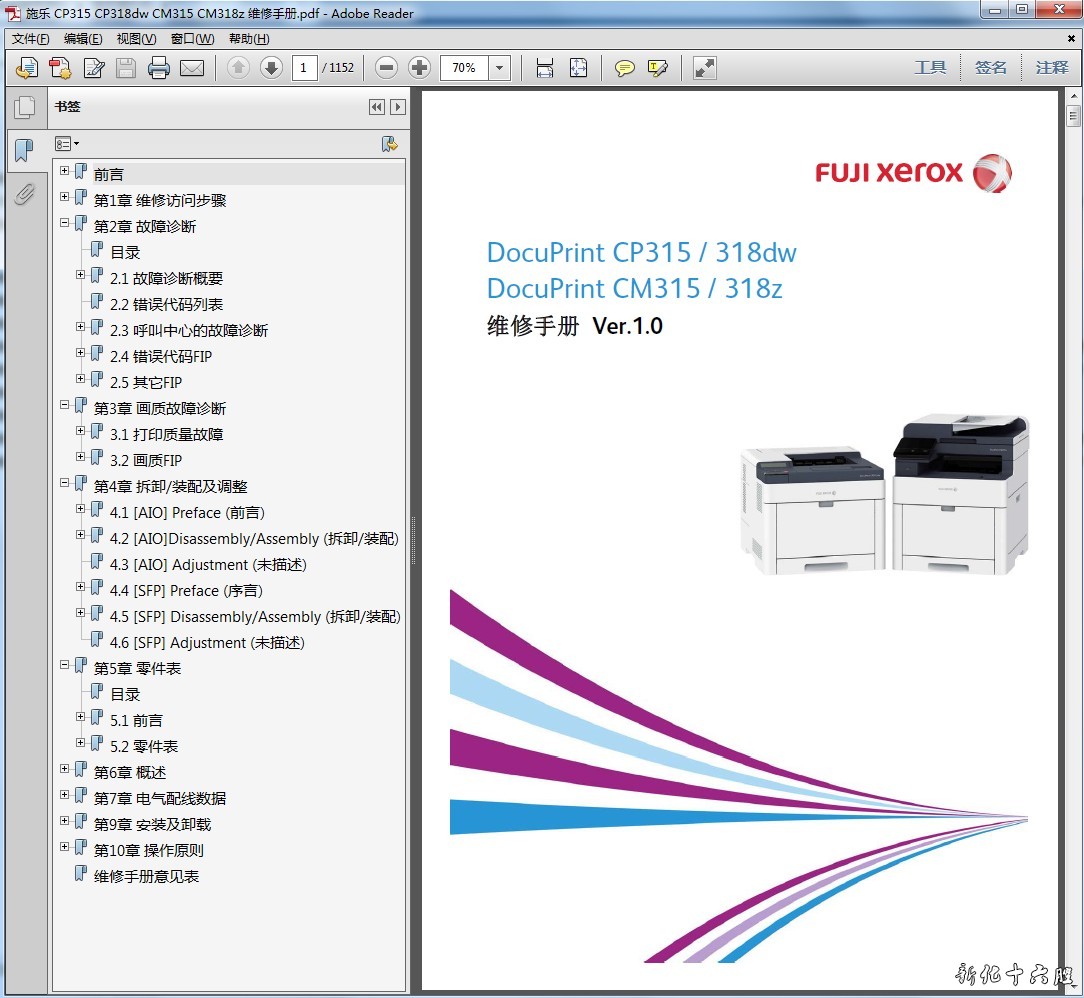
Xerox DP CP315/CP318dw CM315/CM318z printer Chinese repair manual information
Visitor3090
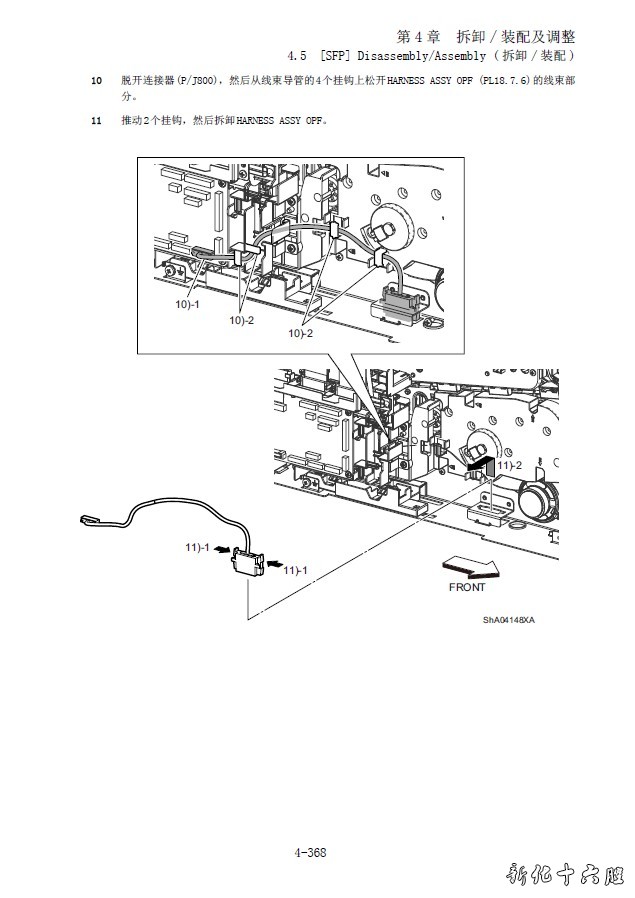
Language: ChineseFormat:PDFElectronic, no encryptionPage count: 1152The manual is detailed and illustrated. It is a good helper for maintenance personnel. With the maintenance manual, you don't have to worry about the disassembly and troubleshooting of this machine.!Even ordinary users can solve simple faults according to the maintenance manual.
FIP0.44 031-523/031-525/031-526/031-527/031-528/031-529/031-539/031-542/031-543/031-550/031-551/031-552:SMB Server ErrorReason: 031-523: A shared name issue has been detected within the SM scan server.031-525: SMB scan client does not have access permission (Win9x)031-526: Failed to perform SMB server name resolution.031-527: DNS server not configured.031-528: Unable to find SMB server.031-529: There is an issue with scanning the login name or password using SMB031-539: Invalid SMB server (NetBIOS) name specified.031-542: SMB (TCP/IP) is not activated.031-543: SMB login ban time detected.031-550: The SMB scan client does not have additional access to this file. The server does not support SMB attach commands.031-551: The SMB scanning client does not have access to rename the file. The server does not support the SMB rename command.031-552: If dealing with duplicate file names, you can choose "Cancel", and duplicate file names result in the cancellation of the job.The first measure is to choose to turn off or wait for 60 seconds for the printer to recover. Please ask your system administrator to connect the printer to the server.The second measure is to turn off and then turn on the power to check if the error occurs again.The third measure: Then, continue with the fault diagnosis according to the table provided below.Link: https://pan.baidu.com/s/1z2kigH27q4nVH2-oTeo0qw Extraction code: x1dy