
|
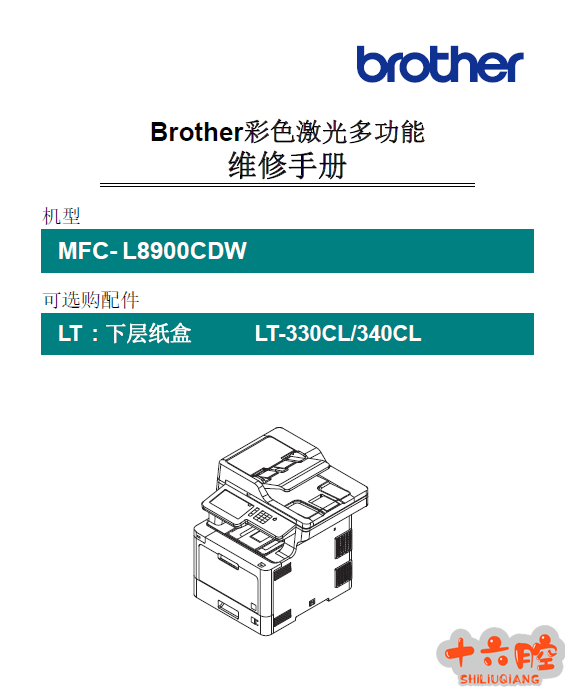
Brother MFC-L8900CDW Chinese repair manual
To remove user setting information User setting information in the device is stored in the motherboard. Follow the steps below to restore the device to its factory default settings. < 操作步骤> (1) Press the [Set] key when the device is in the standby state. (2) Press the [All Settings] key on the LCD screen. (3) Press the [Initial Setup] key on the LCD screen. (4) Press the [Reset] key on the LCD screen. (5) Press the [Restore Factory Settings] key on the LCD screen. (6) The LCD screen displays "After resetting, the device will restart and press [OK] for 2 seconds to confirm". Press and hold the [OK] key for more than 2 seconds to delete the user setting information and return the device to the standby state. Link: https://pan.baidu.com/s/1_GpaNP7CBVkB_gl3UCucYw Extraction code: oww4 |
Address of this article:https://073868.com/post/3916.html
Copyright Notice:
For relevant infringements, reports, complaints and suggestions, please send E-mail:weixiuwang68@qq.com







