
|
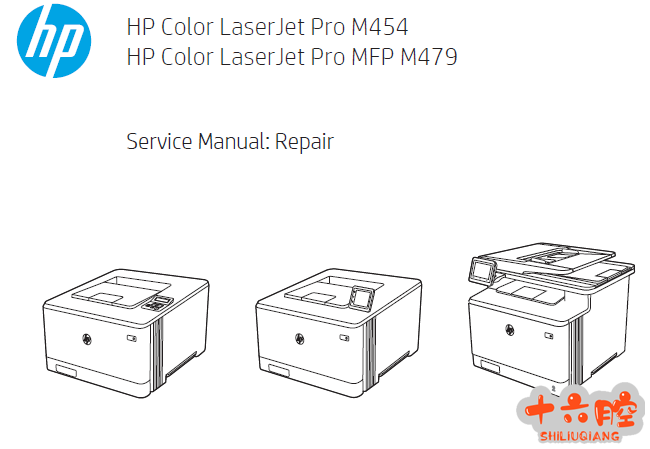
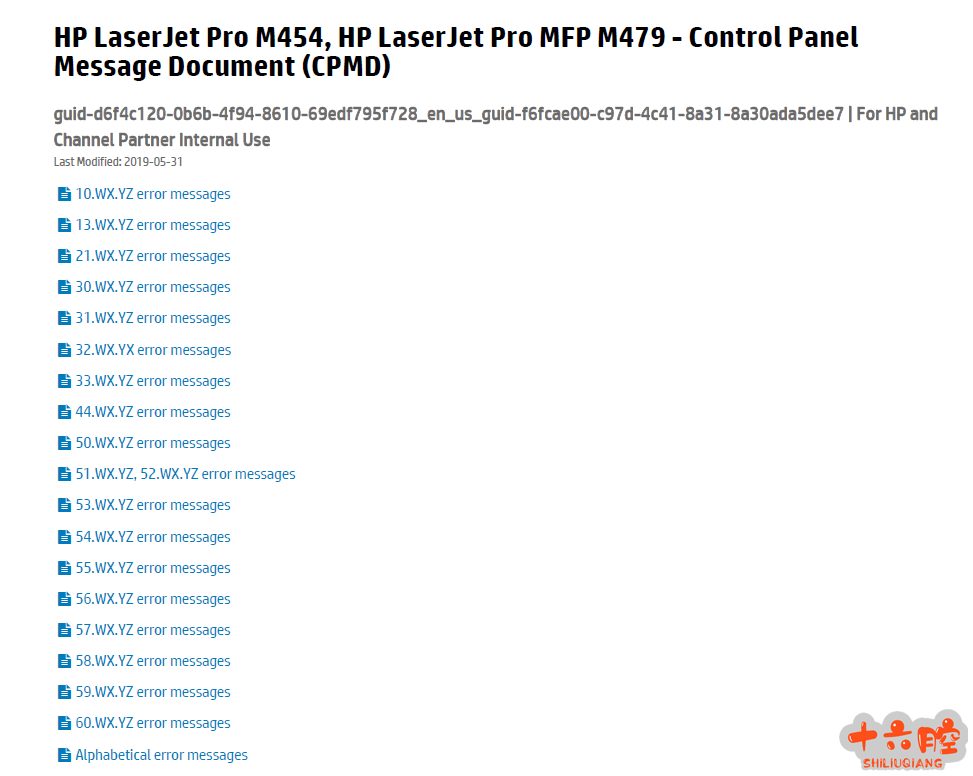
HP M454dn M454dw M454nw M479dw Troubleshooting ManualHP M454dn M479fdw M479fnw English repair manual HPM454 & M479 Control Panel Information and Fault Error Code Error Description
Link: https://pan.baidu.com/s/1J_5YihGd4e9fbHHk8_vB5Q Extraction code: unqn M454/M479/M429/M405 printer blue screen, prompt C9C60005 The printer is switched on and off more than seven times within 45 minutes. The power protection prompt of the printer needs to wait 45 minutes before starting again, and it can be used normally. M454/M479 series printer boot prompt 10.0 X.11 error reporting problem It is suggested to upgrade the firmware of the printer to the latest 2118A version of official website, and replace the consumables with the wrong color at the same time. After replacing the consumables, the printer can be restarted, the toner cartridge door can be switched on and off for testing, and the effect can be checked. Communication has been made with the consumables department. For original consumables, it is suggested to do consumables detection processing on the consumables with the wrong color. M454 series printer blue screen and error B305A901 It is recommended to download and install 2129A firmware. This firmware has not been put on the official website at present. You can contact 2L or General Control to obtain it. If 2129A firmware cannot be installed, it is recommended to perform full reset through the pre-boot menu before firmware upgrade. M454, M479 Print missing color or print blank after replacing or reinstalling the transfer belt Fault phenomenon: In the process of testing or maintenance, after reinstalling or replacing the transfer belt, the printing is short of black, color or blank, as shown in the following figure, and the corresponding toner cartridge charging contact test is still blank. Cause of the failure: When the transfer belt is installed, the toner cartridge development clutch device (two in total, black and color) on the transfer belt is not adjusted to the correct initial position, resulting in the development clutch in the opposite state during operation. During the operation of the printer, the developing clutch of the toner cartridge is driven by the corresponding device on the transfer belt. When the initial position of the developing clutch of the toner cartridge of the transfer belt is wrong, it will cause the contact to become away, resulting in printing blank. Solution: Use a screwdriver to adjust the development clutch to the correct position and install it (red circle position in the bottom right, black on the left and color on the right). Confirmation of the correct position: after rotating the drive shaft of the developing clutch with a screwdriver to a natural release state, you need to adjust 180 °. At this time, it is the correct initial position. Keep this position unchanged and install the transfer belt. Link:https://pan.baidu.com/s/1INL9iPjnPUdceccQZt_3dw Extraction code: v7sa Technical Background: The development clutch refers to the separation of the developing roller shaft and the photosensitive drum through the mechanical action inside the printer when the toner cartridge is not working, and it is only in the contact state during printing. For the color laser printing engine with horizontal imaging, this is realized through the state on the transfer belt, that is, the white protrusion in the yellow frame in the lower right figure will move with the rotation of the rotating shaft in the red circle, thus, the developing clutch action is realized. M305, M329, M405, M429, M454, and M479 Series Hidden Menu Descriptions Hide Menu Categories Support Menu This menu provides important product information for remote support personnel and guides the user through some diagnostic or setup functions for the printer. Engineering Menu Engineering menu, designed for on-site service support engineers, can provide important product information, configure equipment, product report and product test functions. service Menu is one of the sub-menus. Generally, on-site support engineers only need to enter service menu, and other sub-menus need to be applicable under 2L guidance. Enable/disable Menu Turn on/off some features of the printer Boot Screen Menu The startup screen menu is usually used when the printer has been unable to start normally or to access the hidden menu of the printer under some special circumstances to solve some special soft faults. |
Address of this article:https://073868.com/post/3873.html
Copyright Notice:
For relevant infringements, reports, complaints and suggestions, please send E-mail:weixiuwang68@qq.com
Tags: #m454 #m479 #Fault code #Transfer Belt #Print Blank







