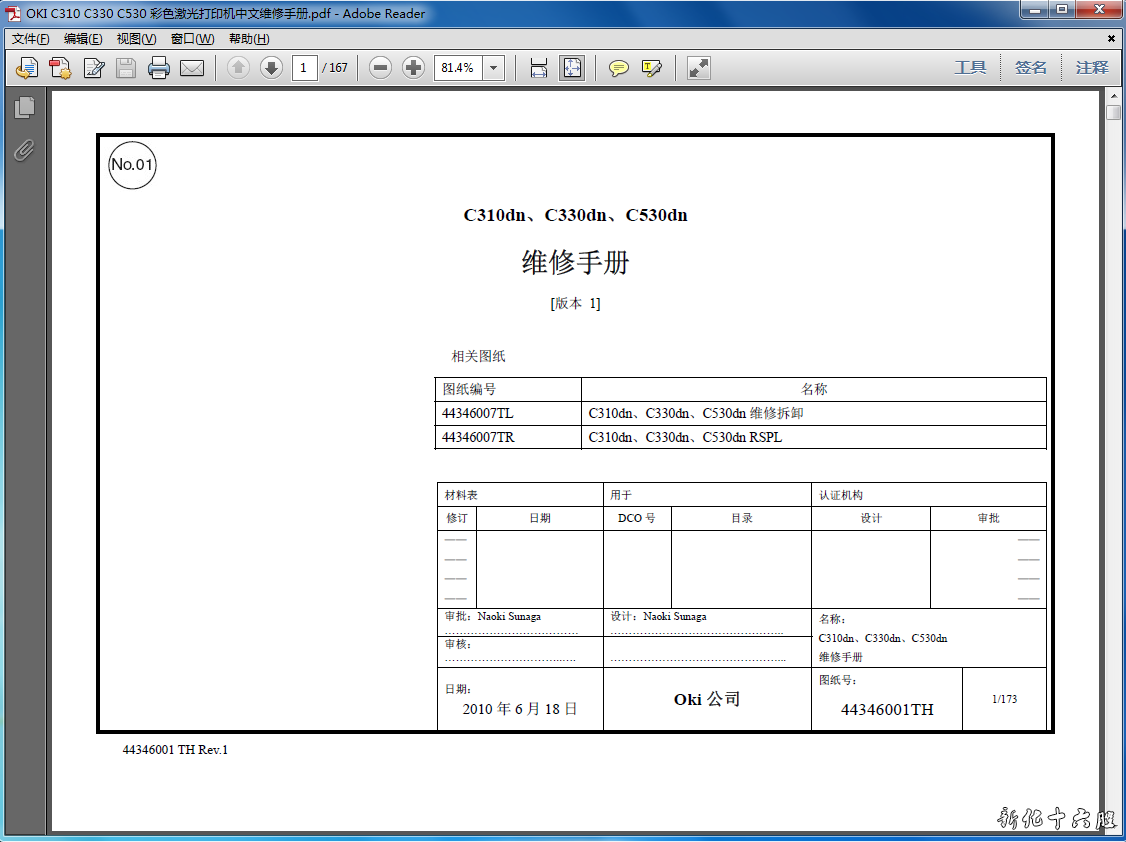
Four way OKI C310 C330 C530 Color Laser Printer Chinese Maintenance Manual Parts Manual
Visitor2540
Language: ChineseFormat:PDFElectronic, no encryptionPage count: 167 pagesThe manual is detailed and illustrated. It is a good helper for maintenance personnel. With the maintenance manual, you don't have to worry about the disassembly and troubleshooting of this machine.!Even ordinary users can solve simple faults according to the maintenance manual.
For Windows PS printer drivers① For Windows Vista, click on [Start]=>[Control Panel]=>[Printers].For Windows XP, click on [Start]=>[Control Panel]=>[Printers and Other Hardware]Item]=>[Printer and Fax].For Windows Server 2003, click [Start]=>[Printers and Faxes].For Windows 2000, click on [Start]=>[Settings]=>[Printer].② Right click on the [C530 (PS)] icon and select [Properties].③ Select [Get Printer Information] under [Installation Options] in [Device Options], click [Settings] or [Get Printer Information]Retrieve printer information. For USB connection, manually set [SD memory card] to [installation].④ Click [Confirm].For Windows PCL printer drivers① For Windows Vista, click on [Start]=>[Control Panel]=>[Printers].For Windows XP, click on [Start]=>[Control Panel]=>[Printers and Other Hardware]Item]=>[Printer and Fax].For Windows Server 2003, click [Start]=>[Printers and Faxes].For Windows 2000, click on [Start]=>[Settings]=>[Printer].② Right click on the [C530 (* *)] icon (* * is PCL (Printer Driver Type)) with the mouse,Select [Attributes]. Link: https://pan.baidu.com/s/1Dzrnewx1LGHBWe5WgCoiHA Extract code: ewd4. After copying this content, open the Baidu Netdisk mobile app for more convenient operation
Link: https://pan.baidu.com/s/1U7WUWX_qa-vYeA9uXGfXGw
Extraction code: 19ps
After copying this content, open Baidu's internet disk mobile phone App, which is more convenient to operate.