
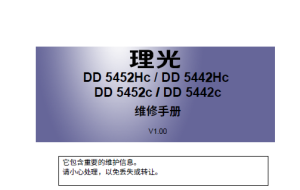
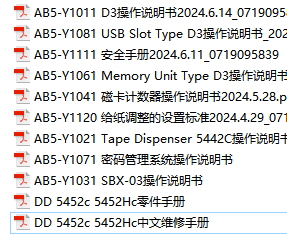
Ricoh DD 5452c,5452Hc repair manual, data installation operation guide, parts manual
1. Press the left and right "printing speed adjustment keys" simultaneously, turn on the power, and then enter the help mode.
2. Call up "HELP-011" and set A, B=1,1.
Call up the help mode 'HELP-043'.
Touch the item you want to change, and then use the "number keys" to enter the numerical value.
Press the "Home" button to reverse the+and - symbols.
Press the 'Clear' button to return to the value before the change.
Press the [=X] key to save the settings.
File shared through Baidu Netdisk: Ricoh DD 5452c 5452hc Repair Information Complete. rar
Link: https://pan.baidu.com/s/1ISSnDgum4QoWU4IeEy4BYg
Address of this article:https://073868.com/post/3828.html
Copyright Notice:
For relevant infringements, reports, complaints and suggestions, please send E-mail:weixiuwang68@qq.com
Tags: #5452c #5452Hc #Ricoh Maintenance Manual #Parts Manual #Installation Manual







