
|
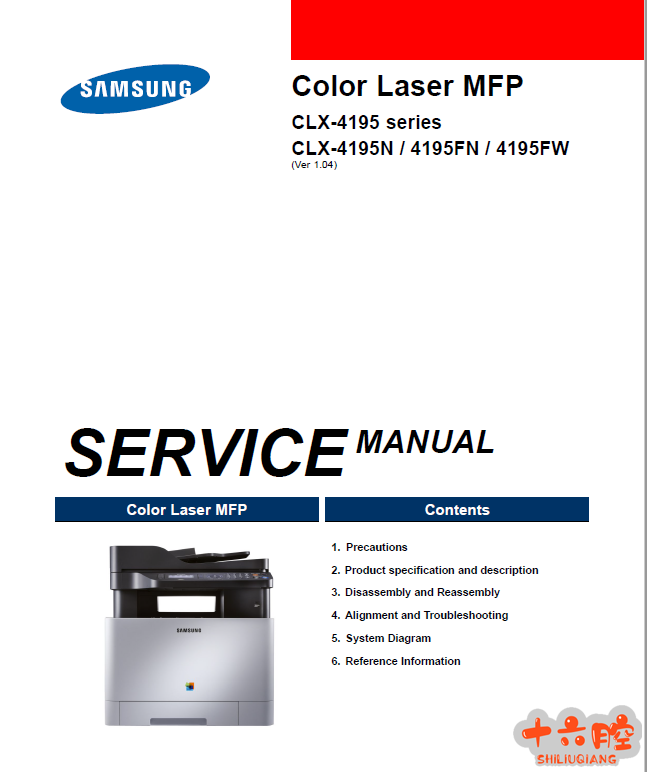
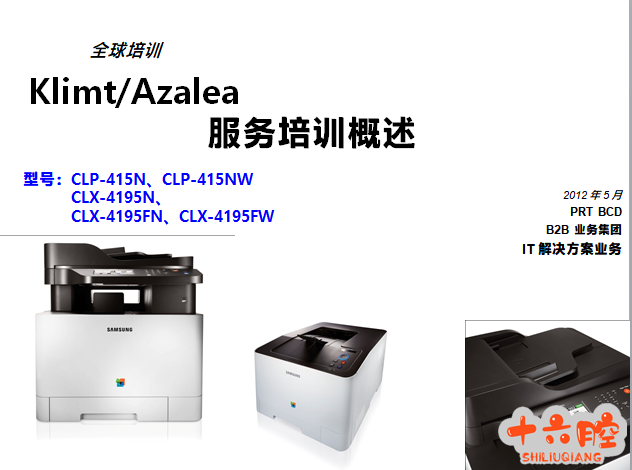
Samsung Color All in One Printer CLX4195N 4195FN 4195FW English Maintenance Manual+Chinese Training Materials Model:CLP-415N、CLP-415NW CLX-4195N、CLX-4195FN、CLX-4195FW
■ ID card copying: This function is very useful when copying small-sized items such as business cards.■ Reduce or enlarge copying: If the machine is set to Eco mode, the reduce and enlarge functions will not be available.■ Automatic fitting: Copy images to automatically fit according to paper size.Automatic pagination: Set the machine to sort the copying tasks. For example, if you make two copies of a 3-page original document, the machine will first print one complete 3-page document, and then print the second complete document.Books: The book copying function can be used to copy the entire book. If the book is too thick, lift the cover plate until the shutter catches its hinge, and then close the cover plate. If the book or magazine is over 30 millimeters thick, please start copying with the cover open.Adjust Background: Print an image without a background. This copying function will remove background colors, which may be very useful when copying original documents with colored backgrounds, such as newspapers or catalogs.■ Edge Removal: Can be used to erase spots, drill holes, creases, and staple marks along any of the four edges of the document. Link: https://pan.baidu.com/s/1CoCUcY869a0OKd7FIHeVxg Extraction code: iwo8 |
Address of this article:https://073868.com/post/3791.html
Copyright Notice:
For relevant infringements, reports, complaints and suggestions, please send E-mail:weixiuwang68@qq.com







