
|
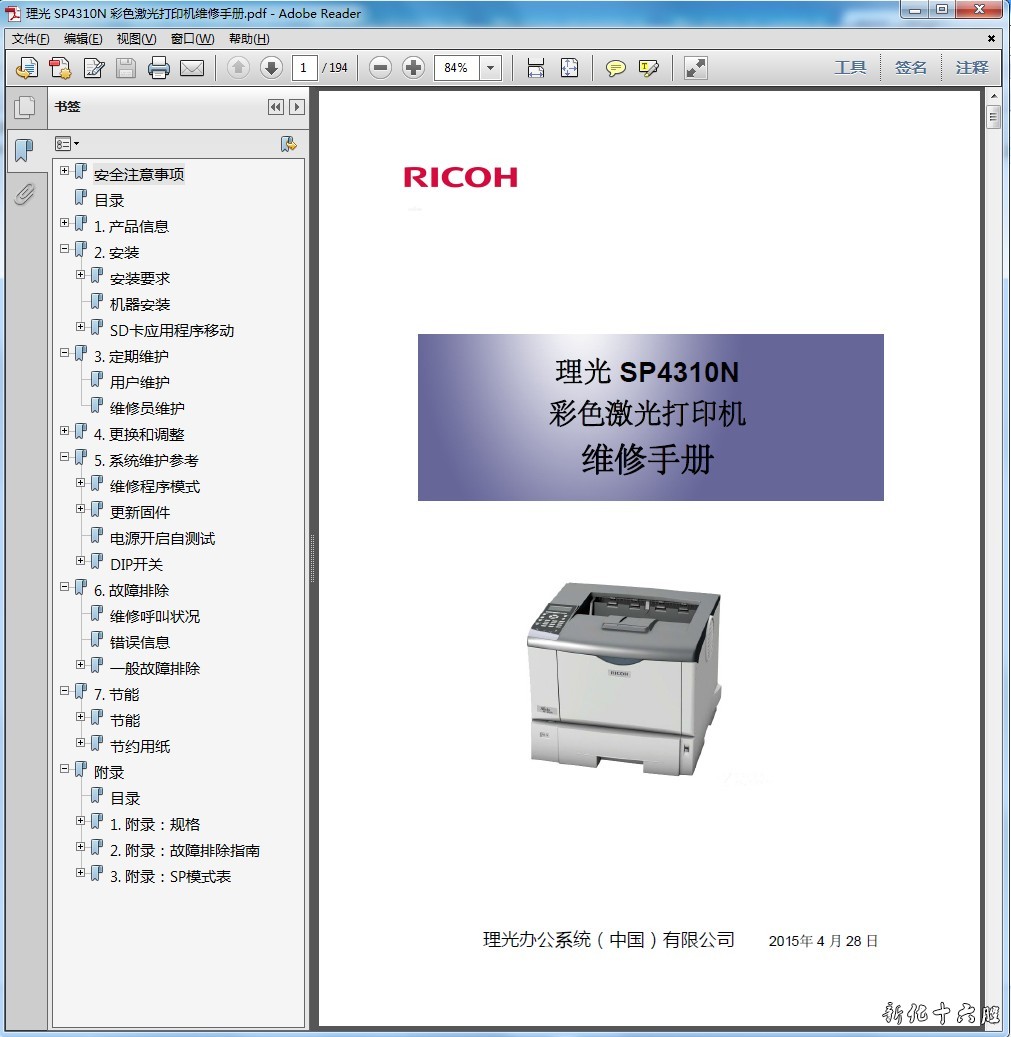
Be extra careful when dismantling and replacing components. The cables in the machine are very close to the moving parts; It must be laid correctly. After dismantling the components, any cables replaced during this procedure must be restored to their initial position as close as possible. Before removing any components from the machine, please pay attention to any cable laying that may be affected. Before repairing the machine: 1. Verify that there are no saved files in memory. Before dismantling the components, remove the print box. 3. Unplug the power cord plug. 4. Operate on a clean and flat surface. 5. Only authorized components can be used for replacement. 6. Do not forcefully operate plastic parts. Ensure that all components return to their initial positions. Laser Unit 1. Do not loosen or adjust the screws that fix the LD driver board to the LD unit. Otherwise, it will cause misalignment of the LD unit. 2. Do not adjust the variable resistor on the LD unit (already adjusted at the factory). If the LD driver board needs to be replaced, replace the entire LD unit. 3. Keep the polygon mirror and toroidal lens dust-free. Laser performance is highly sensitive to dust on such components. 4. Do not touch the glass cover or surface of the polygon mirror with your hands. 5. Do not adjust the laser synchronous detector on the LD unit (already adjusted at the factory). If the position of the laser synchronous detector has changed from the factory set position, SC 322 will be displayed. Transfer roller 1. Do not touch the surface of the transfer roller with your hands. 2. Due to the surface being easily damaged, please be careful not to scratch the transfer roller. Fixing After installing the fixing thermistor, ensure that it contacts the heat roller and the heat roller can rotate freely. 2. Be careful not to damage the hot roller separation claw and its tension spring. 3. Do not touch the fixing lamp and roller with your hands. 4. Ensure that the shadow lamp is correctly positioned and does not touch the inner surface of the heat roller. Paper delivery 1. Do not touch the surface of the feed roller. To avoid misdelivery, the side and end panels of each paper tray must be correctly positioned to align with the size of the paper being loaded. Link: https://pan.baidu.com/s/1e0_iq1NGpM0poZA0otgF0Q Extraction code: 0itc |
Address of this article:https://073868.com/post/3767.html
Copyright Notice:
For relevant infringements, reports, complaints and suggestions, please send E-mail:weixiuwang68@qq.com
Tags: #Ricoh #SP4310N #color laser printer







