
|
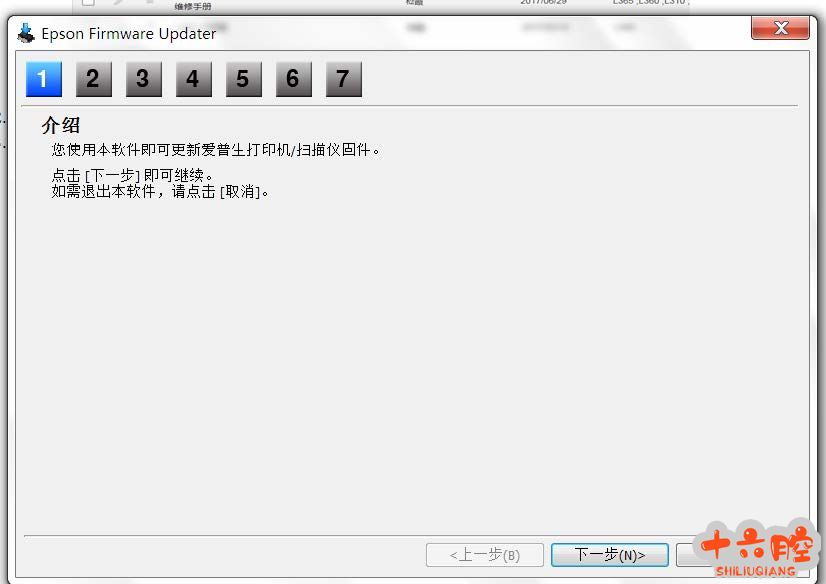
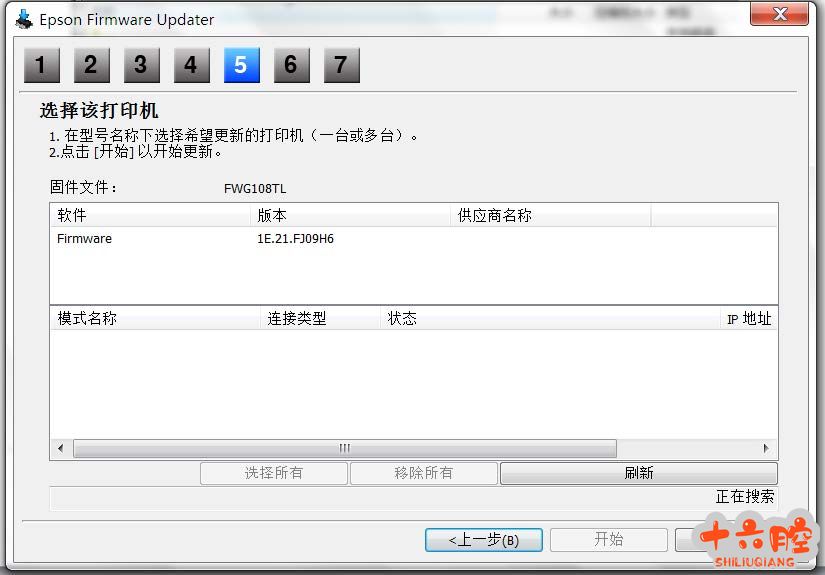
Phenomenon: During the L485 repair, the motherboard was replaced, but after booting up, it displayed 'recover mode' and the printer was not functioning properly. Reason: We need to upload firmware programs to the new motherboard. Operating method: 1. First, download the firmware program from the partner website and save it on the computer. 2. Connect the printer and computer via USB, and turn on the device. 3. Click directly on the firmware program *. exe file, then click "Next" until the program file transfer is complete.
Link: https://pan.baidu.com/s/1111r1HUEC_b6dSQDf-mgdg Extraction code: jcis |
Address of this article:https://073868.com/post/2169.html
Copyright Notice:
For relevant infringements, reports, complaints and suggestions, please send E-mail:weixiuwang68@qq.com
Tags: #recover mode #L485 #Motherboard






