
|
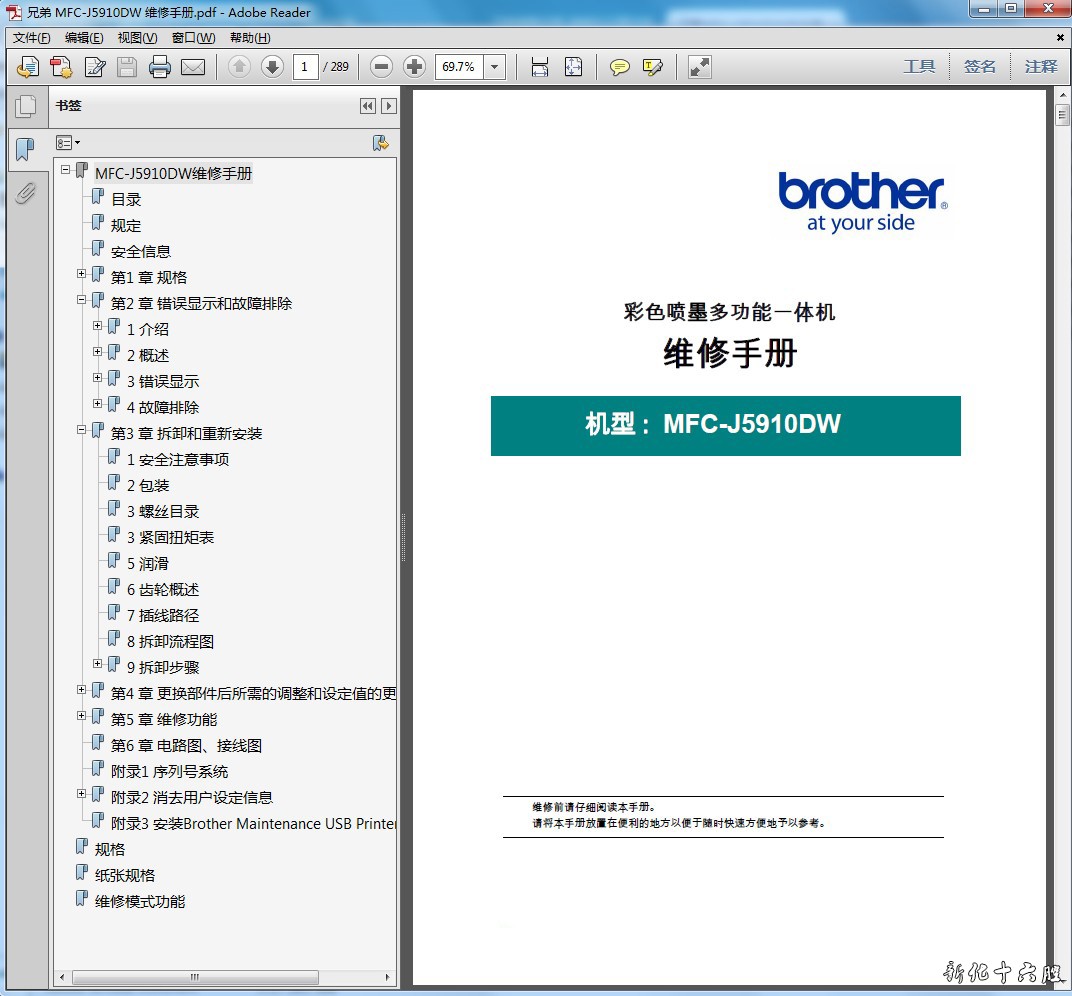
Language: ChineseFormat:PDFElectronic, no encryptionNumber of pages: 289 pagesThe manual is detailed and illustrated. It is a good helper for maintenance personnel. With the maintenance manual, you don't have to worry about the disassembly and troubleshooting of this machine.!Even ordinary users can solve simple faults according to the maintenance manual
In maintenance mode, you can update the contents of the memory (EEPROM: electrically erasable programmable read-only memory) to enable replacementThe driving conditions of the feed and output rollers in the rear print head/slide unit or engine unit are in the optimal state, or used to setThe scanning range of CIS scanner. You can also customize the EEPROM according to the device's shipping destination. Additionally, you can alsoPerform action checks on LCD screens, control panel circuit boards, or sensors, perform printing tests, and display log information or errorsError code and firmware switch modification (WSW).1.1 Enter maintenance mode1.1.1 How to enter the user accessible maintenance modeBasically, the maintenance mode functions listed on pages 5-3 should be limited to the use of maintenance personnel only. But when maintenance personnel use methods such as phone calls, etcUnder the guidance of, some of the functions can also be used by end users.The functional codes that can be used by end users are the shaded items in the table on pages 5-3. Function code 10 can enter the firmware switch, each firmwareThe switch has 8 selectors. You cannot allow users to access all selectors, but you can allow users to access the shaded user operable selectors in the firmware switch table in the attachment "Firmware Switch (WSW)". Link: https://pan.baidu.com/s/1f7cvCiNq8lSYra3GAOHgbg Extraction code: xh6r |
Address of this article:https://073868.com/post/1944.html
Copyright Notice:
For relevant infringements, reports, complaints and suggestions, please send E-mail:weixiuwang68@qq.com
Tags: #MFC-J5910DW







