
|
1、 Under what circumstances does the printer need to be reset to zero? Printer driver errorSupport code: 5B00, 5B02, 5B04, 5B14, 1701, 1702, 1700 Ink collector is full or about to be full, etc. The printer has encountered an error. Please refer to the manual and contact the service centerThe printer needs to be reset to zero, the small shop can solve it. 2、 How to ensure that the printer is reset successfully without locking the motherboard? Our store usesThe latest original repair procedure of the service stationOnline zeroing has successfully cleared hundreds of the latest printers,Can enter maintenance mode to ensure successful zeroingMature technology, safe and efficient, will never lock the motherboard. 3、 Canon printers require resetting to zeroThe maintenance mode steps are as follows: Method for entering maintenance mode for the printer: Make sure to connect the printer to the computer using a USB cable and ensure that the printer recognizes the ink cartridge before inserting it. 1.Turn off the printerFirst, press[Stop]key, and then immediately press[Power Supply] Key. (Do not release both keys.) When the power light is on, do not release it[Power Supply]At the same time as pressing the key, release it[Stop]Press the button, then press[Stop]Press the key 5 times, then release it[Power Supply]key. 3. WhenThe power indicator light stays on for a long timeAt that time, the maintenance mode entered successfully.
Download link: https://pan.baidu.com/s/1z2KGxRbTh6hj4QtYGW7Z9Q Link: https://pan.baidu.com/s/1z2KGxRbTh6hj4QtYGW7Z9Q Password: zmii |
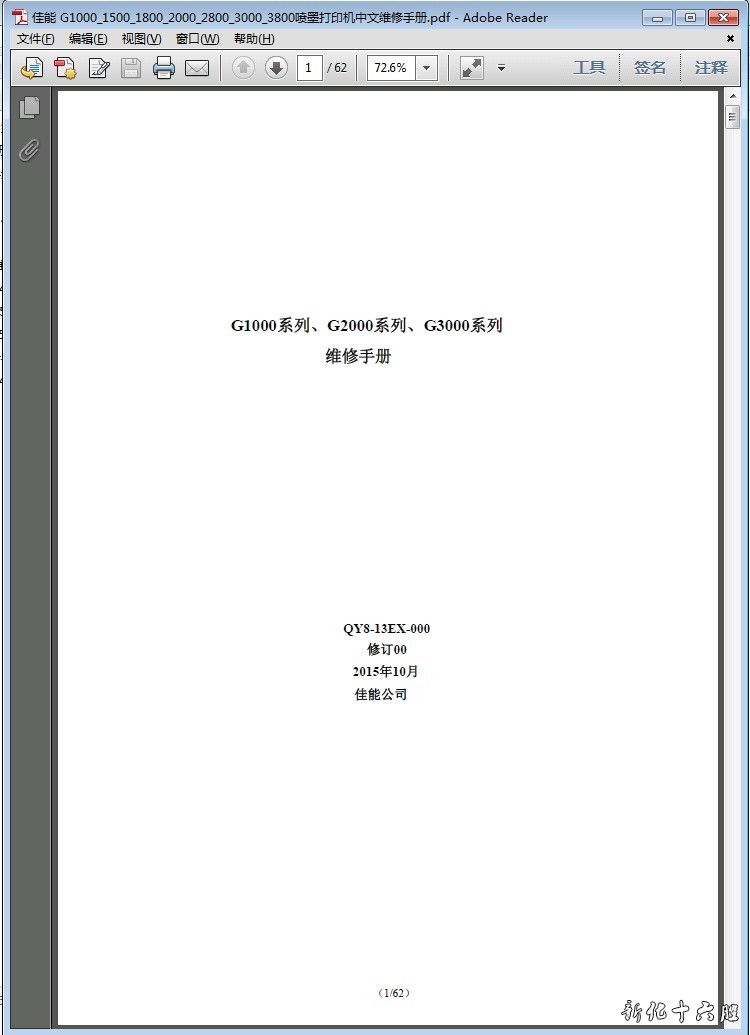
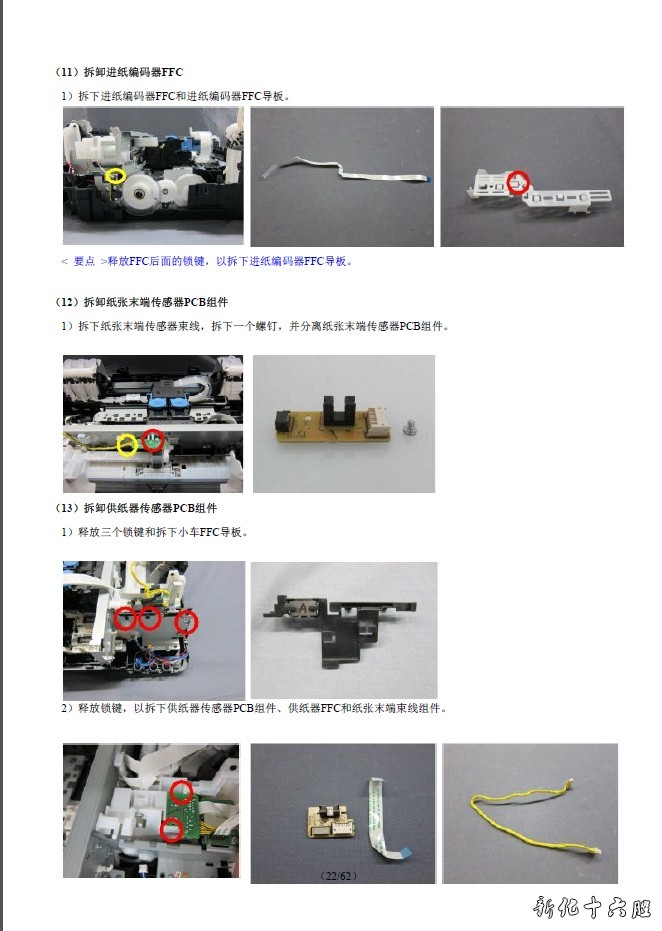
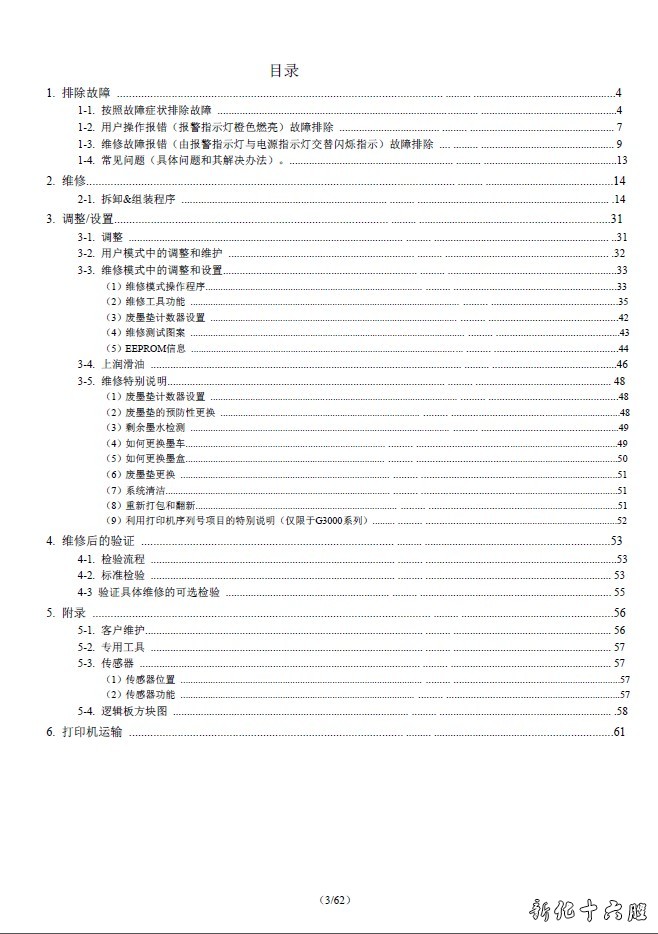
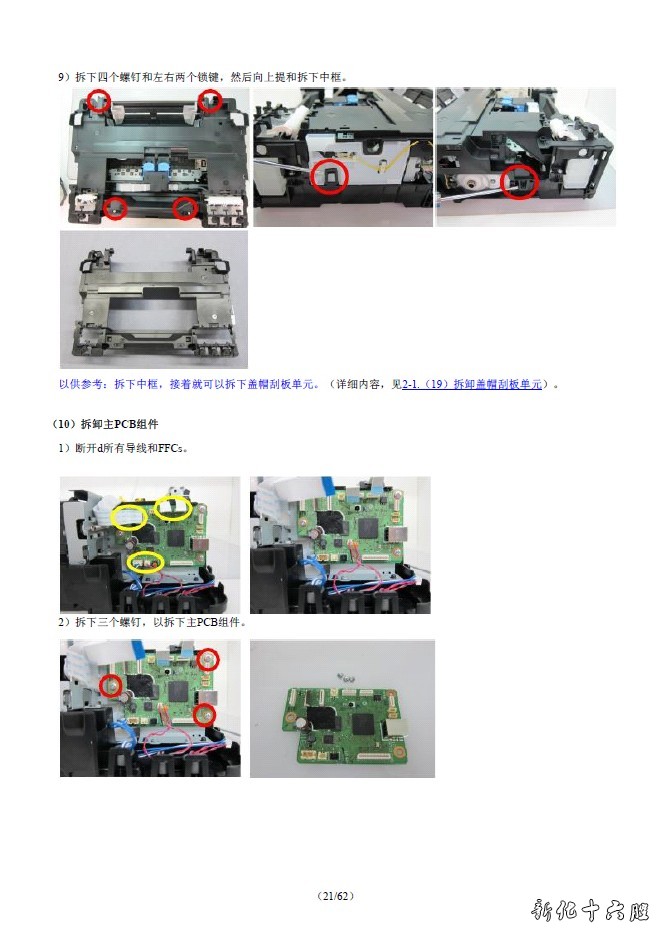
Address of this article:https://073868.com/post/1903.html
Copyright Notice:
For relevant infringements, reports, complaints and suggestions, please send E-mail:weixiuwang68@qq.com
Tags: #Maintenance Manual #Canon #Inkjet printer







