
|
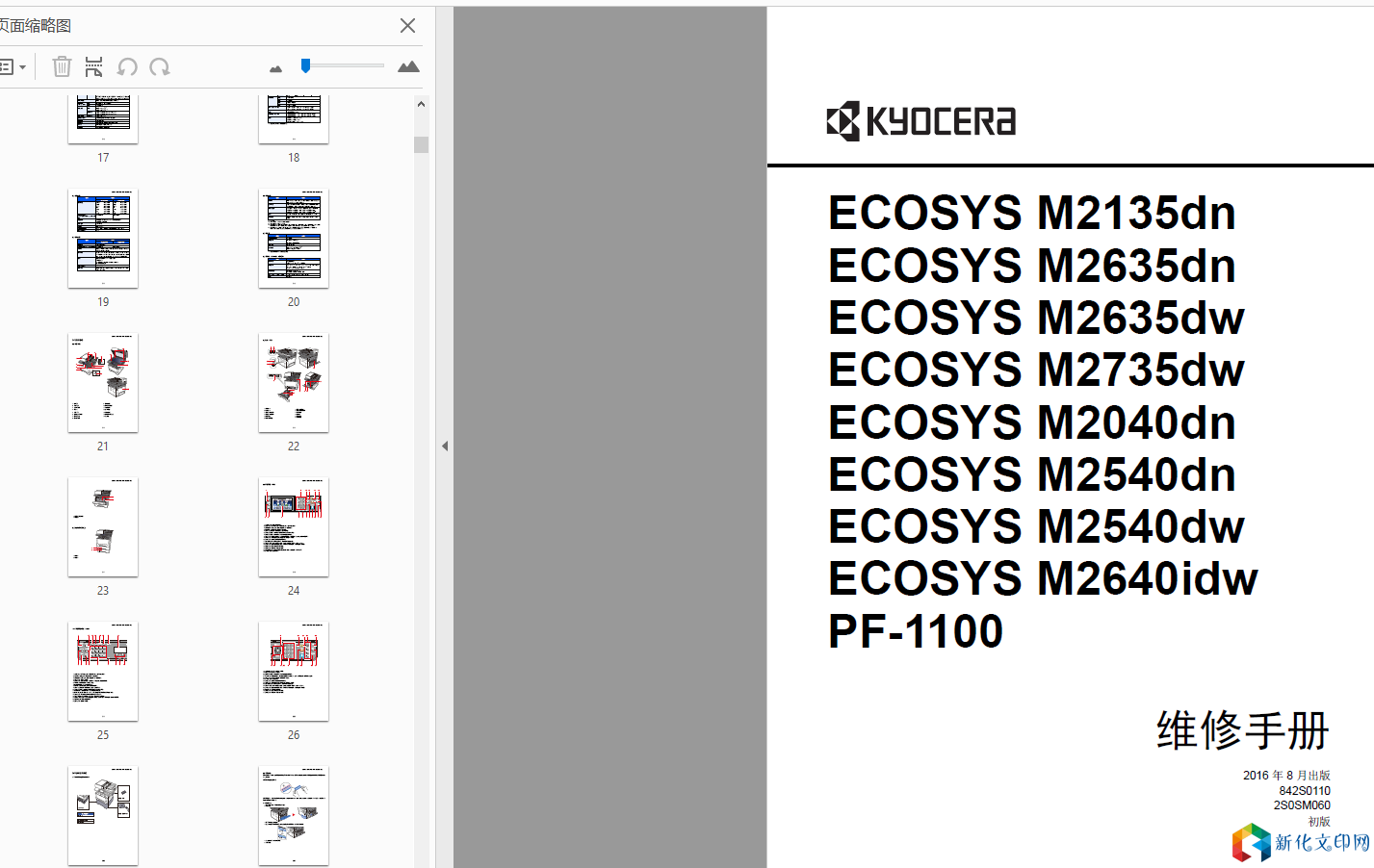
Kyocera ECOSYS M2135 M2635 M2735 M2040 M2540dn M2640idw Chinese repair manual
(7-2) Network Settings Wired Network Settings The machine is equipped with a network interface that is compatible with network protocols such as TCP/IP (IPv4), TCP/IP (IPv6), NetBEUI, and IPSec. It can be in Windows, Network printing on Macintosh, UNIX, and other platforms. Set TCP/IP (IPv4) to connect this computer to a Windows network. Be sure to connect a network cable before setting up. If user management is enabled, you can log on to the machine as an administrator to make changes. If user login management is enabled, the user authentication screen appears. Enter the login user name and password, and then select [Login]. The initial login user name and login password at the factory are as follows. Login user name: 4000 or 3500 Login password: 4000 or 3500 TCP/IP (IPv4) Settings 1. Display screen. [System Menu/Count] Key> [System/Network]> [Network]> [Wired Network Settings]> [TCP/IP Settings]> [IPv4] [Wired Settings]> [TCP/IP Settings]> [IPv4 Settings] 2. Set up. When using a DHCP server [DHCP]: Set to [On]. When setting a static IP address [DHCP]: Set to [Off]. [IP Address]: Enter the address. [Subnet Mask]: Enter the subnet mask in decimal notation (0 to 255). [Default Gateway]: Enter the address. When using Auto-IP The IP address is set to 0.0.0.0. Important After changing the settings, restart the network through the system menu or turn the machine off and then turn it on. Note Before configuring this setting, ask the network administrator for the IP address in advance. In the following cases, set the IP address of the DNS server through the Command Center RX (Command Center). When using a host name with DHCP set to [Off] When a DNS server other than the DNS server is used, its IP address is automatically assigned by DHCP. For setting the IP address of the DNS server, refer to the Command Center RX User Guide. Link: https://pan.baidu.com/s/1Z6an74VDcIyMmuFkd2CRwg&shfl=sharepset Extraction code: yz4s |
Address of this article:https://073868.com/post/1897.html
Copyright Notice:
For relevant infringements, reports, complaints and suggestions, please send E-mail:weixiuwang68@qq.com







