
|
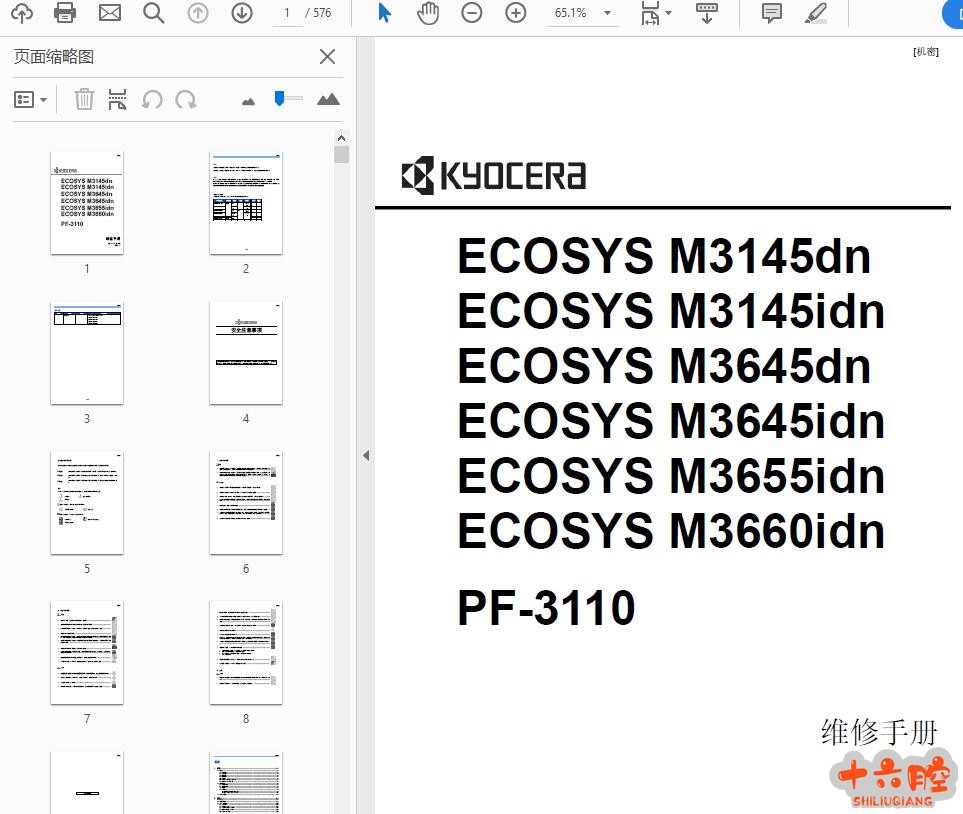
ECOSYS M3145dn,ECOSYS M3145idn,ECOSYS M3645dn,ECOSYS M3645idn,ECOSYS M3655idn,ECOSYS M3660idn Chinese Repair Manual Parts Manual
Adjust the scanner image. 1 Use the automatic scanner adjustment chart to perform the maintenance mode U411 U411U411. 2 Execute [Grayscale adjustment] in the system menu 5 If the optional license product is installed, reactivate. 1 Card Verification Component (B) When the SSFC SSFCSSFC card is used, the maintenance mode U222 is executed and [SSFC] [SSFC] is set. 2 UG -33 (ThinPrintThinPrint ThinPrint) 3 Data Security Component (E) Re-enter the four-digit encryption code already in the settings. 6 Before replacing the motherboard using the maintenance mode U917, enter if you export data from the machine. (And it can also be imported by replacing the motherboard before exporting data from the machine. (And it can also be imported by replacing the motherboard before exporting data from the machine. (And it can also be imported by replacing the motherboard before exporting data from the machine. (and can also be done via KM web viewer) 7 Register Initial User Setup and Fax from the System Menu or Command Center. Link: https://pan.baidu.com/s/1Mw_DppeWs6VN2YzPkct47w Extraction code: 6ny1 |
Address of this article:https://073868.com/post/1792.html
Copyright Notice:
For relevant infringements, reports, complaints and suggestions, please send E-mail:weixiuwang68@qq.com







