
|
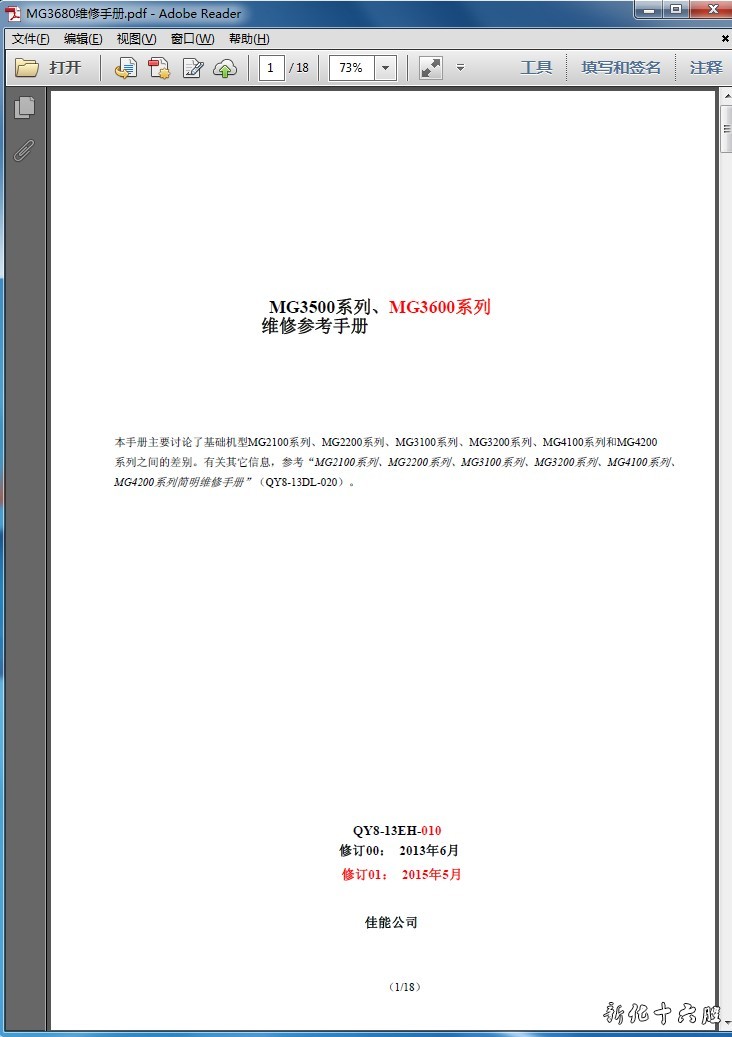
Language: ChineseFormat:PDFElectronic, no encryptionNumber of pages: 18The manual is detailed and illustrated. It is a good helper for maintenance personnel. With the maintenance manual, you don't have to worry about the disassembly and troubleshooting of this machine.!Even ordinary users can solve simple faults according to the maintenance manual.MG3500 Series, MG3600 Series Maintenance Reference Manual This manual mainly discusses the differences between the basic models MG2100 Series, MG2200 Series, MG3100 Series, MG3200 Series, MG4100 Series and MG4200 Series. For additional information, refer to the MG2100 Series, MG2200 Series, MG3100 Series, MG3200 Series, MG4100 Series, MG4200 Series Concise Service Manual (QY8-13DL-020).
Extraction code: 6jez After copying this content, open Baidu's internet disk mobile phone App, which is more convenient to operate. |
Address of this article:https://073868.com/post/1555.html
Copyright Notice:
For relevant infringements, reports, complaints and suggestions, please send E-mail:weixiuwang68@qq.com







