
|
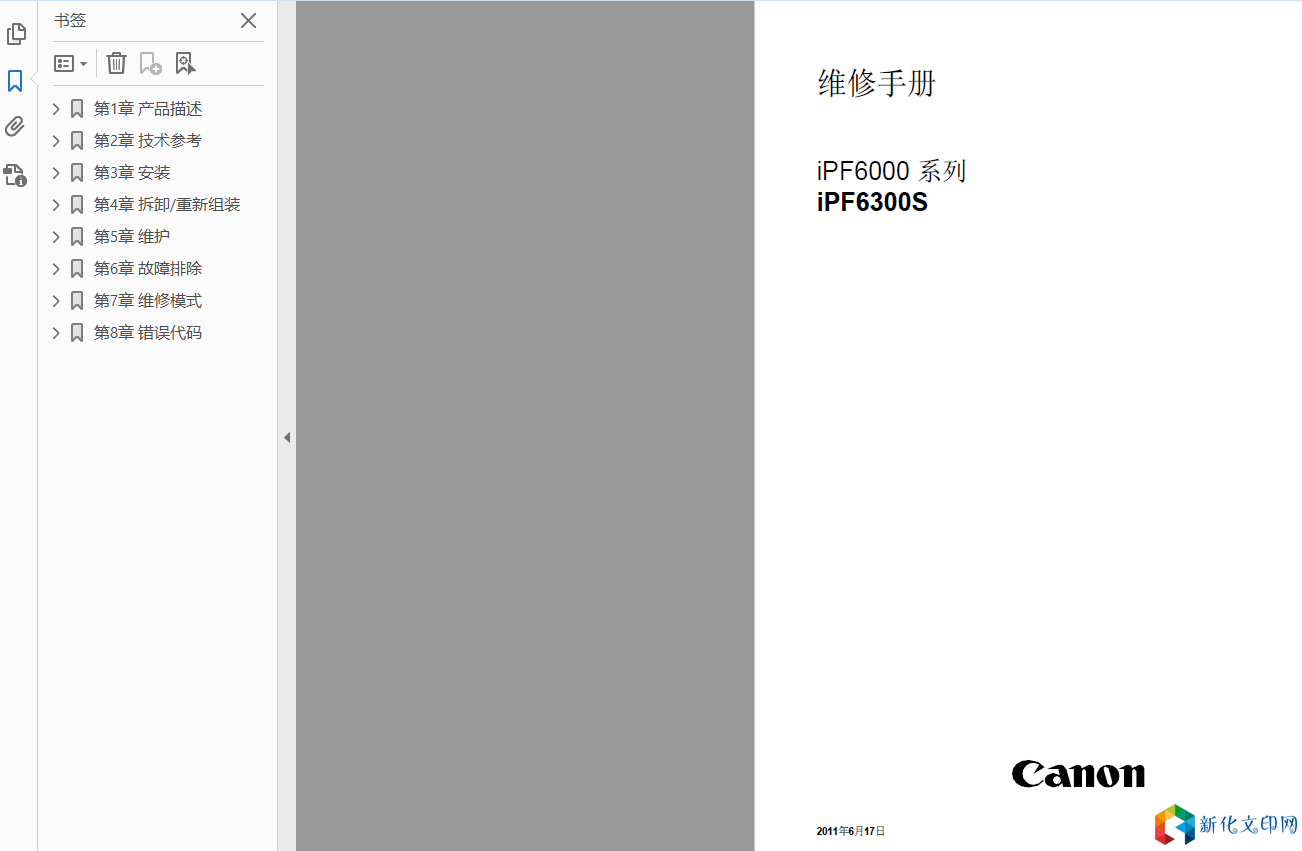
This manual is practical for the following modelsiPF6000 Series iPF6300SFormat: pdfManual language: ChineseNumber of pages in the manual: 272Document size: 13MService Manual CoverPrecautions for repairing the printer1.7.3.1 Notes on data stored in the printer0013-3742 This printer can calculate the printing length, the number of ink cartridge replacements, the number of cleaning operations, the number of paper cutter operations, etc., and store these data as a maintenance mode counter in the EEPROM of the main controller. This counter provides important information about the printer’s usage status. You can check by printing in service mode or displaying the information on the display. When servicing the printer, please observe the following precautions. (1) Repair/replace the circuit board When replacing the main controller, please follow the specified replacement steps. For information on the main controller replacement procedure, see Disassemble and Reassemble> Notes on Disassembly and Reassembly> Board ". (2) Information about the number of times the cleaning device performs cleaning after replacing the cleaning device. After replacing the cleaning unit, select "Initialize [INITIALIZE]"> "Cleaning [PURGE]" in service mode to initialize (clear) the information about the number of cleanings. (3) Replace consumable parts After replacing consumable parts, please execute "Initialize [INITIALIZE]"> "Parts Counter [PARTS COUNTER]"> "Parts xx[PARTS xx]" in maintenance mode to initialize (clear) parts Counter information. For information on consumable parts, see Maintenance> Consumable Parts ". After you have initialized (cleared) counter information, you will not be able to check it. Please note that you should not initialize the counter before checking its information. You cannot modify the counter information from the operation panel.1.7.3.2 Confirm Firmware VersionThe firmware has been downloaded to the main controller. After replacing the main controller, please check whether the firmware is the latest version. If not, upgrade it to the latest version.0012-6235 Reference: For an introduction to how to update the main controller, please refer to "Troubleshooting"> "Update".1.7.3.3 Anti-static Precautions0012-6236 Some clothing may generate static electricity, which may charge your body. This charge may damage electrical equipment or alter their electrical characteristics. Before disassembling the printer for service, discharge static electricity by touching a grounded metal fitting or similar object.1.7.3.4 Disassembly/reassembly considerationsNotes for disassembly/reassembly are described in Disassembly/Reassembly.1.7.3.5 Self-diagnosis functionThe printer has a self-diagnostic function to analyze hardware faults. The result of the self-diagnosis is displayed on the display and indicated by a light. For more information, see Error Codes ".1.7.3.6 Lithium Battery Handling The main controller circuit board of this printer can back up all kinds of data only if it is equipped with lithium battery.
|
Address of this article:https://073868.com/post/1408.html
Copyright Notice:
For relevant infringements, reports, complaints and suggestions, please send E-mail:weixiuwang68@qq.com







