|
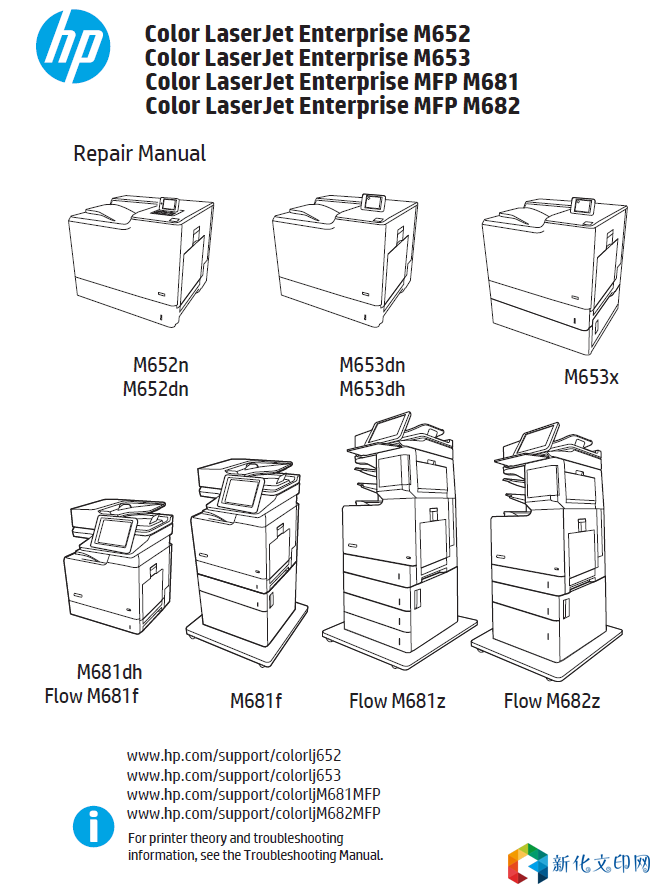
M652n,M652dn,M653dn,M653dh,M653x,M681dh,Flow M681f,M681f,Flow M681z,Flow M682z
● Introduction ● Step 1: Remove the staple cover (3-bin stapler/stacker) ● Step 2: Remove the rear cover (3-bin stapler/stacker) ● Step 3: Remove the right upper cover (3-bin stapler/stacker) ● Step 4: Remove the right corner cover (3-bin stapler/stacker) ● Step 5: Remove the staple rear cover (3-bin stapler/stacker) ● Step 6: Remove the right lower cover (3-bin stapler/stacker) ● Step 7: Unpack the replacement assembly Introduction This document provides the procedures to remove and replace the right lower cover on the 3-bin stapler/stacker. Click here to view a video of this procedure. IMPORTANT: When applicable, special installation instructions are provided for an assembly at the end of the removal procedure. Always completely read the removal instructions and follow all special installation instructions. Before performing service ○ Turn the printer power off. A shutting-down message appears on the control-panel display. WARNING! To avoid damage to the printer, turn the power off and wait until the printer shuts down before removing the power cable. ○ Disconnect the power cable after the printer is completely shut down (the control-panel display is blank). Use the table below to identify the correct part number for your printer. To order the part, go to Right lower cover (3-bin stapler/stacker) part number RC4-9439-000CN Cover, right lower Required tools ● #2 Phillips screwdriver with a magnetic tip After performing service ○ Connect the printer power cable. ○ Turn the printer power on. Post service test No post service test is available for this assembly. 链接:https://pan.baidu.com/s/1OcPaRA6D7bm0l9Kb7pidew 提取码:lswn |
版权声明:
相关侵权、举报、投诉及建议等,请发 E-mail:weixiuwang68@qq.com