|
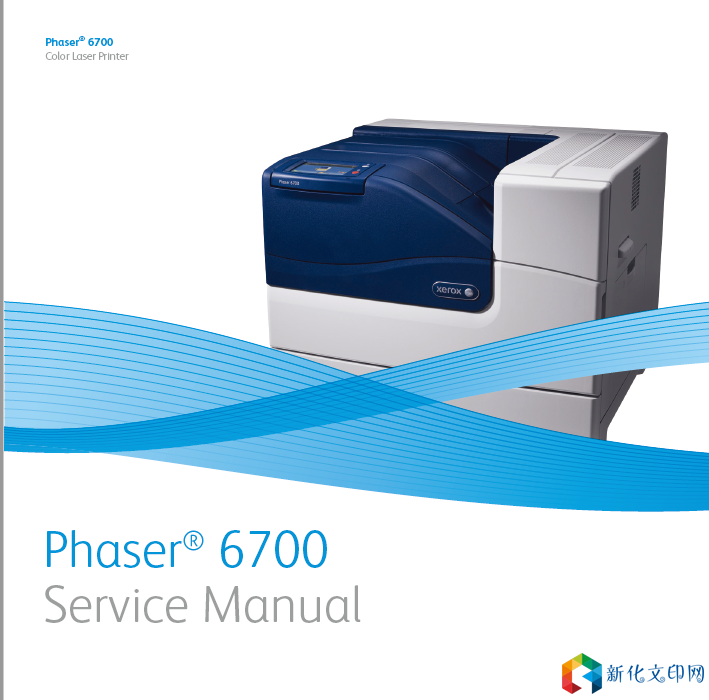
xerox施乐Phaser 6700dn彩色激光打印机维修手册错误代码故障排错拆装图解
Caution Many parts are secured by plastic tabs. Do not over flex or force these parts. Do not over torque screws threaded into plastic. Caution Do not remove Red-colored screws. These screws secure key chassis components. Removal of Red-colored screws can result in chassis misalignment. Caution Cover the Imaging Units to avoid light exposure. 1. Wear an Electrostatic Discharge wrist strap. 2. Turn Off power and disconnect the power cord from the wall outlet and printer. 3. Disconnect all cables from the printer. 4. Remove these items: • Imaging Units • Transfer Belt • Transfer Roller • Trays • Fuser • Toner Cartridges 链接:https://pan.baidu.com/s/1jqS4l9c1xd1qQ8hEdE9g7w 提取码:mz6v |
版权声明:
相关侵权、举报、投诉及建议等,请发 E-mail:weixiuwang68@qq.com
标签: #6700