
|
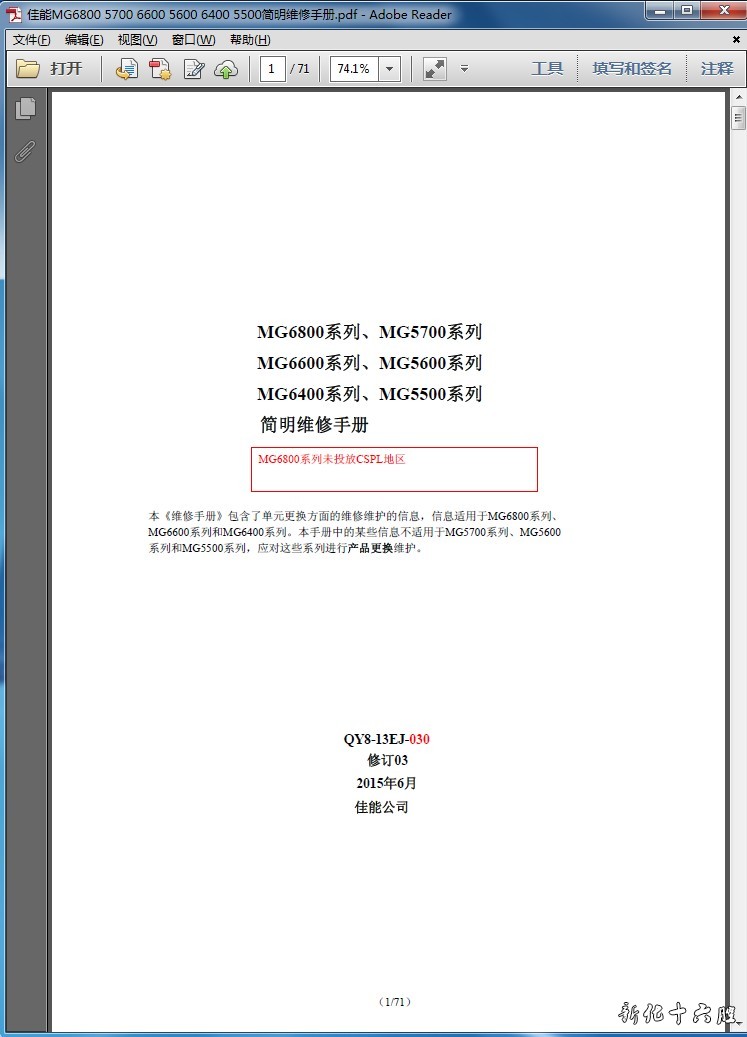
This Maintenance Manual contains repair and maintenance information regarding unit replacement, and applies to the MG6800, MG6600, and MG6400 series. Some information in this manual is not applicable to the MG5700 Series, MG5600 Series and MG5500 Series, which should be replaced and maintained. Paper cannot be fed. Inspection Highlights & Solutions (1) The feeder is not inserted to the end. -> Plug it in to the end. (2) The rear guide plate unit is misaligned. -> Install the unit correctly. (3) There are foreign objects in the paper path. -> Remove foreign objects. (4) The pickup roller unit has stains. -> Clean the pickup roller or replace the unit. Feed the paper at an angle. (1) The guide board of the paper feeder is improperly adjusted. -> Align it perfectly with the edge of the paper. (2) The pickup roller unit has stains. -> Clean the pickup roller or replace the unit. (3) There are foreign objects in the paper path. -> Remove foreign objects. Paper can be fed, but not correctly (multiple feed) (1) More than the specified number of paper is placed in the feeder. -> Reduce the number of sheets below the limit. (2) The pickup roller unit has stains. -> Clean the pickup roller or replace the unit. (3) The paper distribution pad in the carton unit has stains. -> Clean the paper distribution pad. Eject blank paper (1) Stain on pickup roller unit. -> Clean the pickup roller. (2)PE sensor leads are not properly connected. -> Clean the pickup roller or replace the unit. (3) The pickup roller unit is broken or deformed. -> Replacement unit. (4) The spring of the PE lever is broken or deformed. The photoelectric switch is not detected normally. -> Replace inner guide bar unit. There are tooth marks on the printing paper (1) There are foreign objects in the gear unit (such as hair) -> Remove foreign objects. If the problem still occurs, replace the following sections: -Gear unit The printer is not recognized by a connected PC or a (1)USB cable is not connected properly. Communication error. PC printing stops halfway. -> Connect correctly. (2) The wireless LAN wire is damaged. -> Replacement unit. If the problem still occurs, replace the following sections: -Wireless LAN board assembly (For the MG6600 series, since this series does not have an NFC information writing tool, it cannot be interchanged. Replace printer if necessary). Link: https://pan.baidu.com/s/1rMlWNIaZfjRT0iNQUujNfQ Extraction code: zhcg After copying this content, open Baidu's internet disk mobile phone App, which is more convenient to operate. |
Address of this article:https://073868.com/post/128.html
Copyright Notice:
For relevant infringements, reports, complaints and suggestions, please send E-mail:weixiuwang68@qq.com







